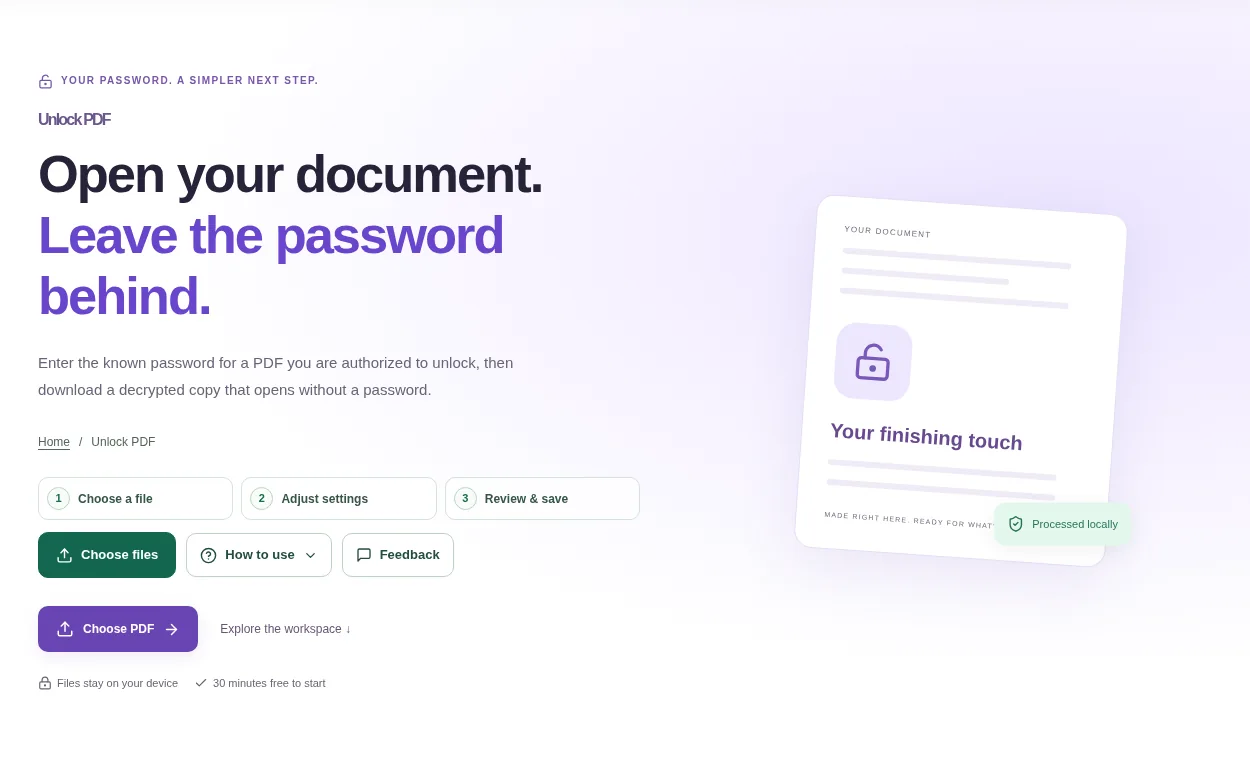
Choose the encrypted PDF. Have the known password ready and keep the protected original until you have checked the output. Close and reopen that copy in a viewer to confirm it no longer asks for the opening password.
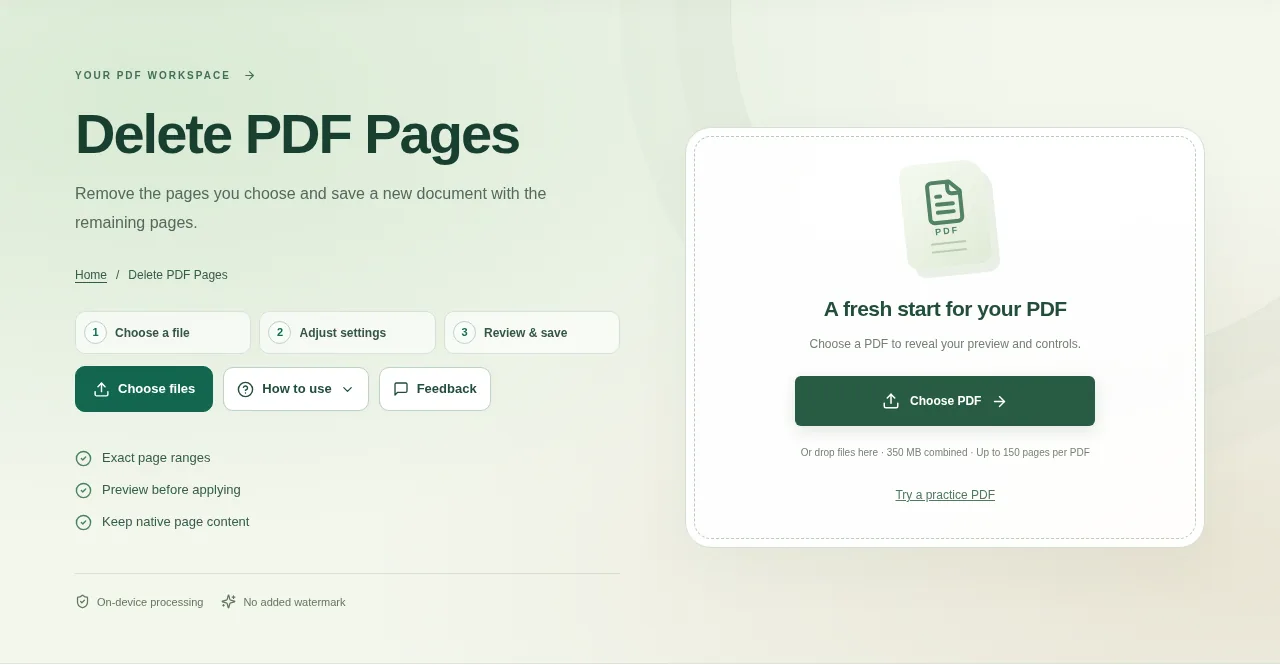
Open the PDF and find the unwanted pages in the preview. Use the source page numbers, not a chapter number printed inside the page. Use Create result, then open the saved PDF and count the remaining pages.
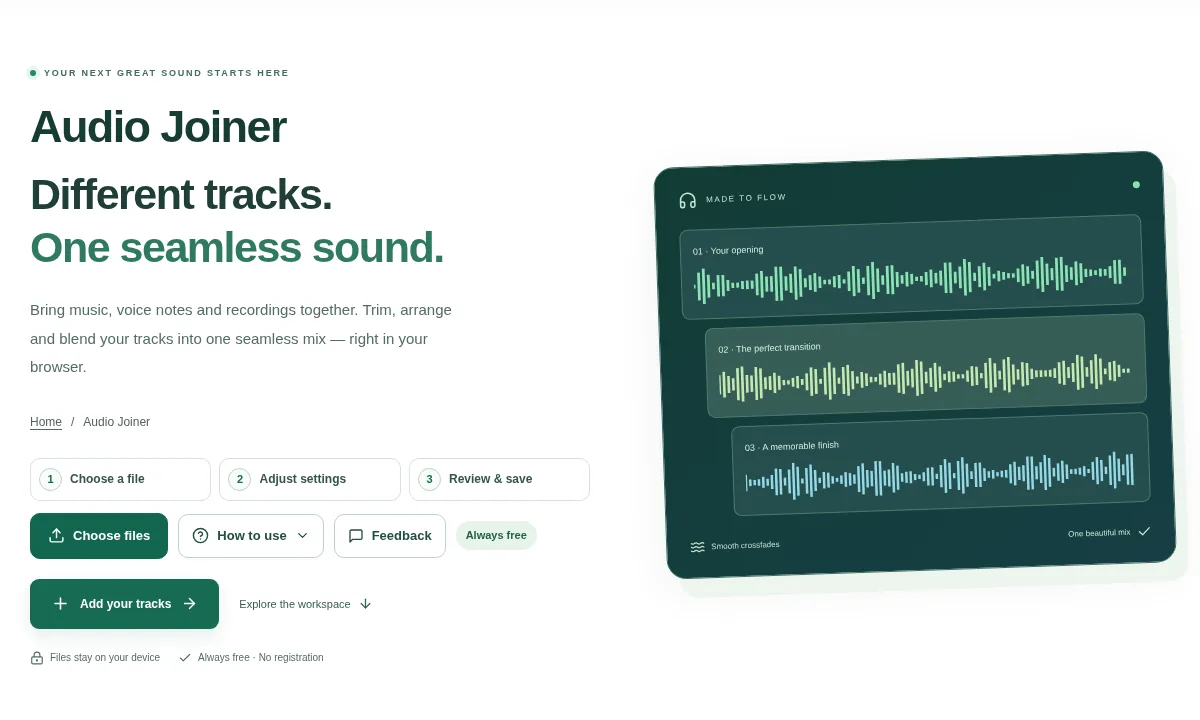
Add at least two supported audio tracks. Wait for their waveforms, then put them in the order you want to hear. Choose MP3, WAV, FLAC or OGG, use Join audio and download the completed mix.
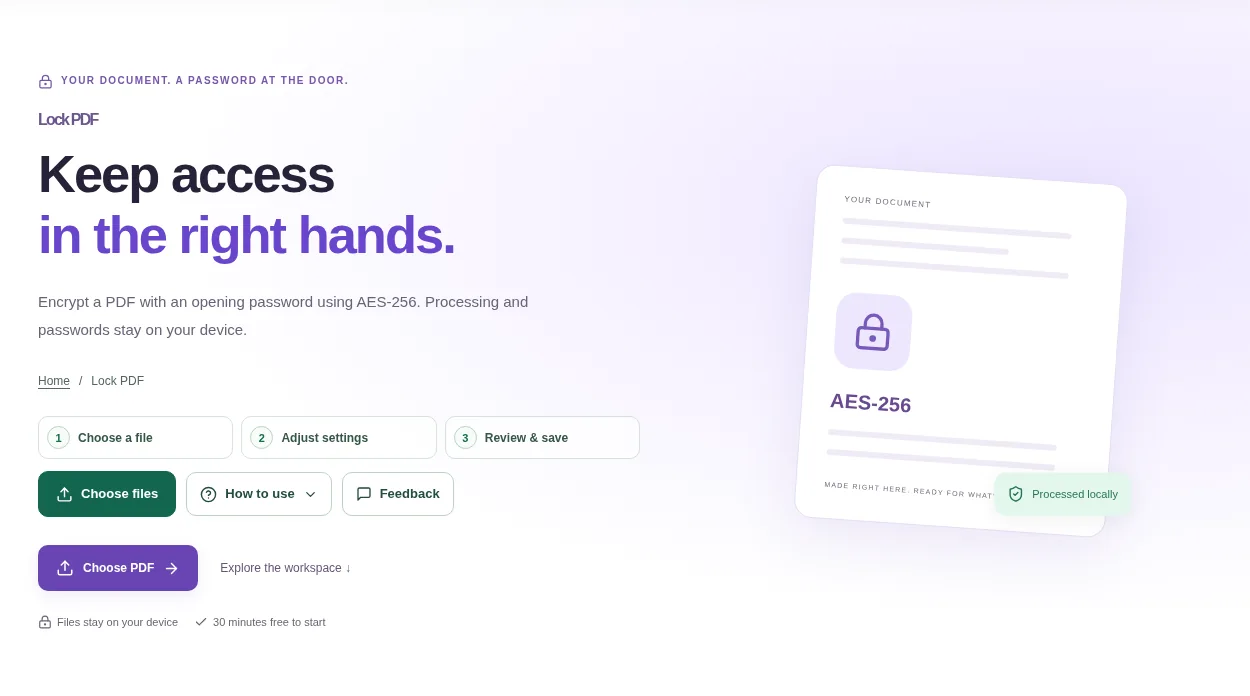
Open an unlocked PDF you are authorized to protect. Keep an unencrypted original in a safe place if you need a recovery route. Reopen the download in a modern PDF viewer and confirm that it asks for the password.
Choose a DOCX or DOC file, select suitable fonts and use Convert to PDF. Review the page preview, especially tables and line breaks, then download the PDF or a batch ZIP.
Choose a PDF with readable text and inspect the preview. A simple letter is a better fit than a brochure with complex columns and graphics. Rebuild headings, tables and other formatting in Word where needed, then save your edited document.
Choose the PDF in Count Words. Use a text-based source if you want a direct count; a scanned page may look readable but contain no extractable words. Download the text or JSON report if you need to keep a record.
Open Remove PDF Watermark with a document you own or are authorized to change. Keep the source file and compare a few pages before trying a broad cleanup. Preview the processed pages, then download a copy once the important content looks right.
Upload document pictures or use the camera where supported. Start with an evenly lit photo in which all four paper corners are visible. Prepare the result as a PDF or an image ZIP, depending on the output you need.