Add a stereo recording, adjust the center-separation controls and process it. Listen to the instrumental and vocal-center estimates before downloading. This method is not neural stem separation.
Open a supported audio file or a video with sound. The tool works with the first audio track. Wait for the waveform before setting the cut. Choose MP3, WAV, M4R, FLAC or OGG, then use Cut & Save and download the result.
Open your PDF and click supported original text to edit it. Use Add text in this font for a separate addition in a verified embedded font, or choose an editing tool. Apply changes, inspect the saved preview and download a copy.
Choose your pictures in Images to PDF. Supported formats include JPG, PNG, WebP and several other still-image formats. Arrange them in the order you want the pages to appear. Choose one combined PDF or separate PDFs, then create the result.
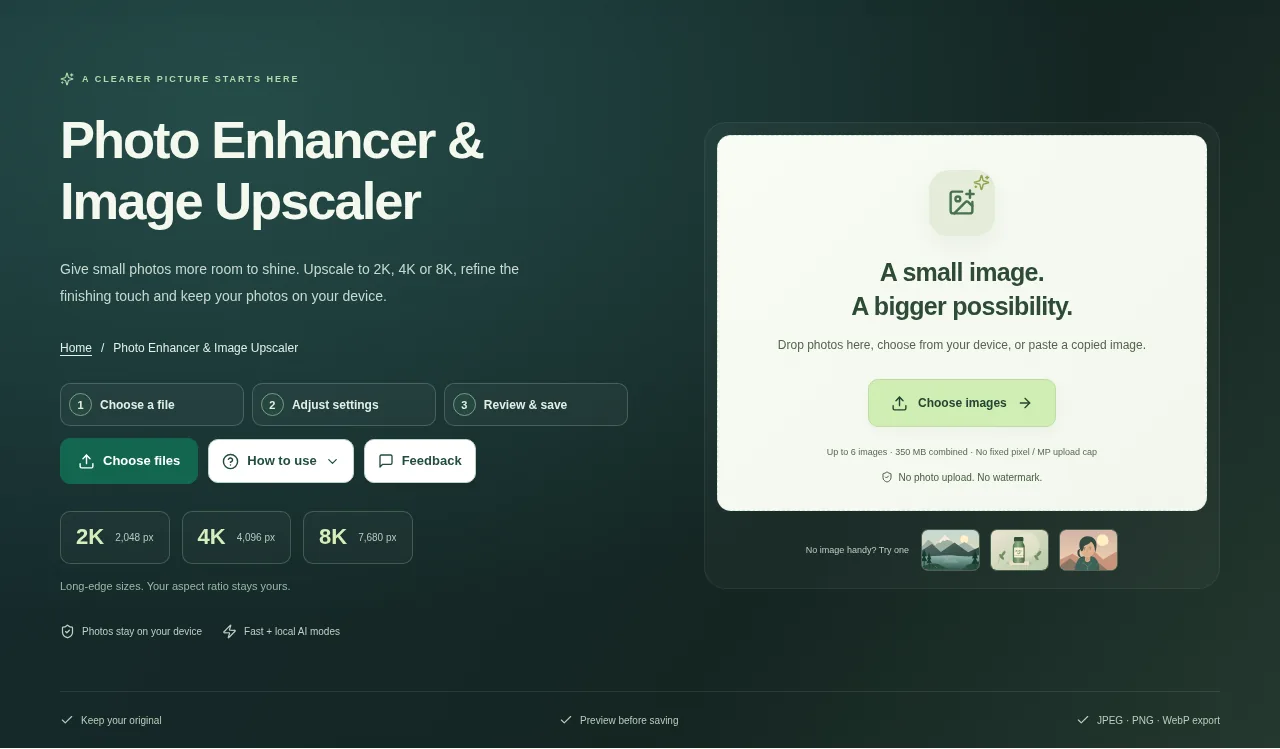
Choose a photo, set a size preset or enlargement factor and select Fast enhancement or AI detail. Adjust the finish, enhance the image and check its actual output dimensions before downloading.
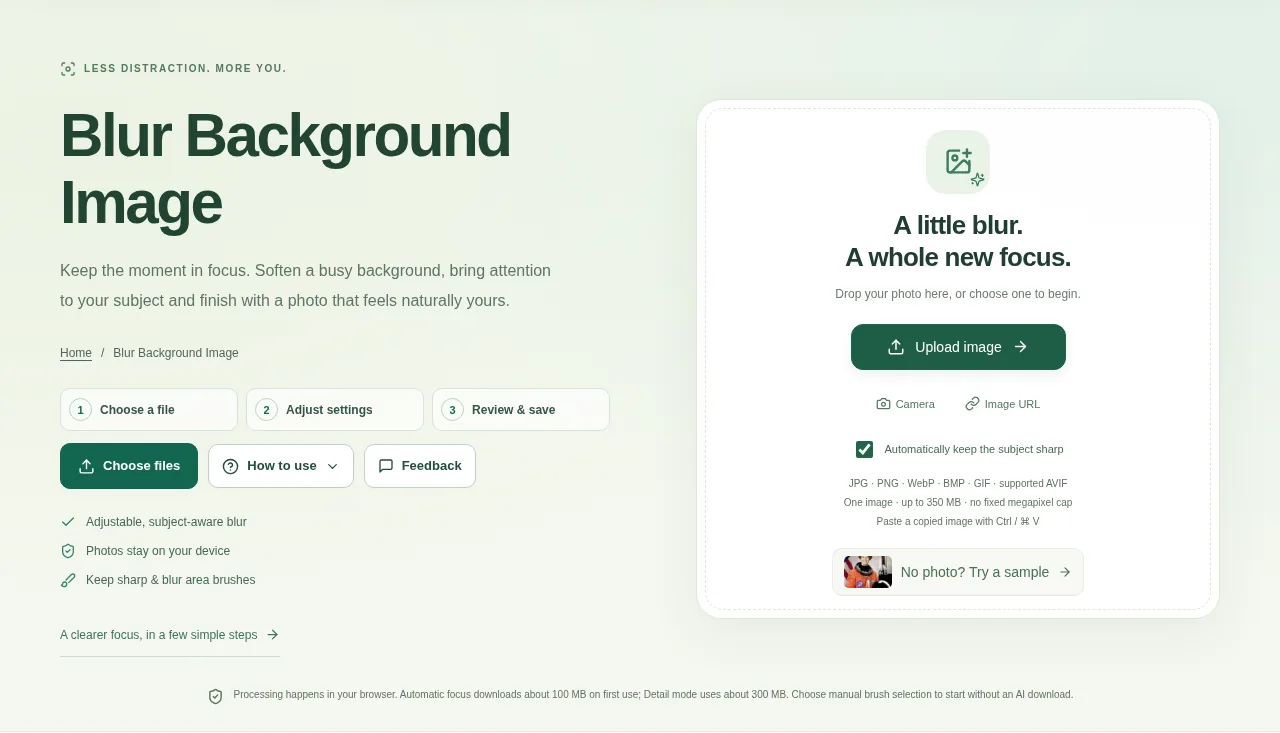
Choose one photo. Leave automatic subject selection on for a first estimate, or turn it off to make a manual selection without an AI-model download. Compare the result, choose PNG, JPG or WebP and prepare the finished image.
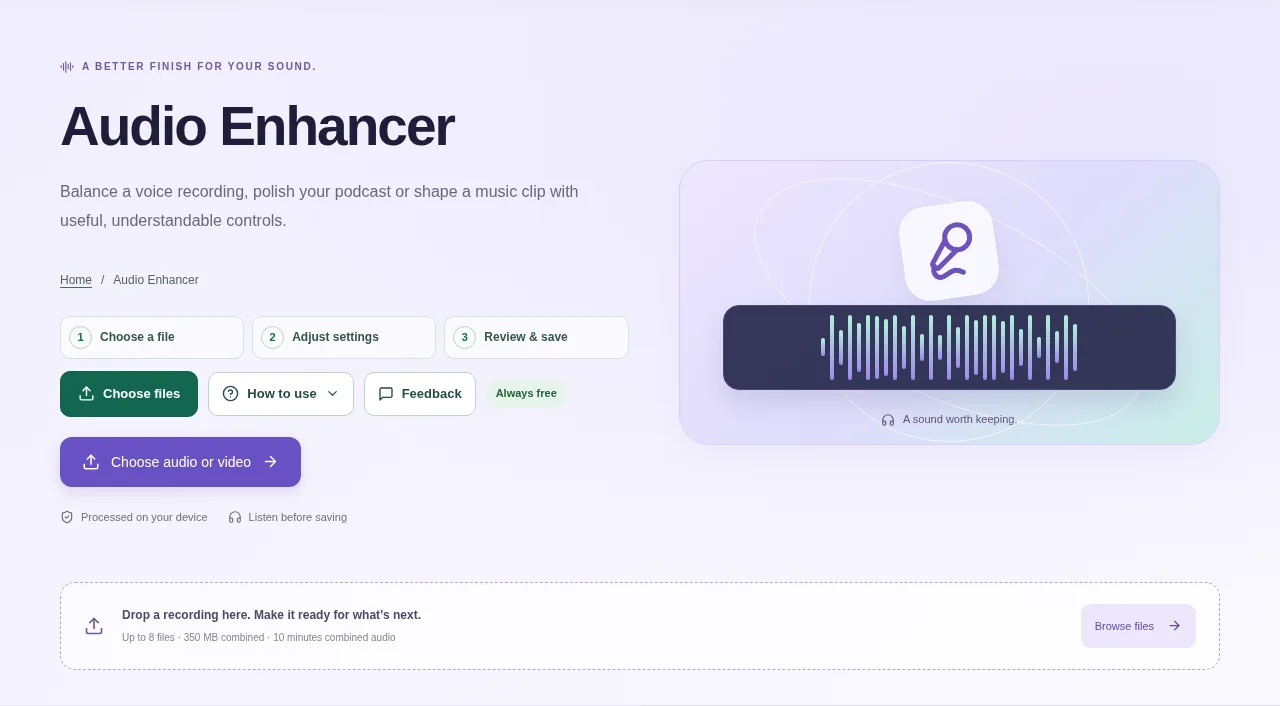
Add the audio or supported video recording and listen to the original. Decide whether you are preparing speech, a podcast or music. Process, listen to the real result and choose an output format before downloading.
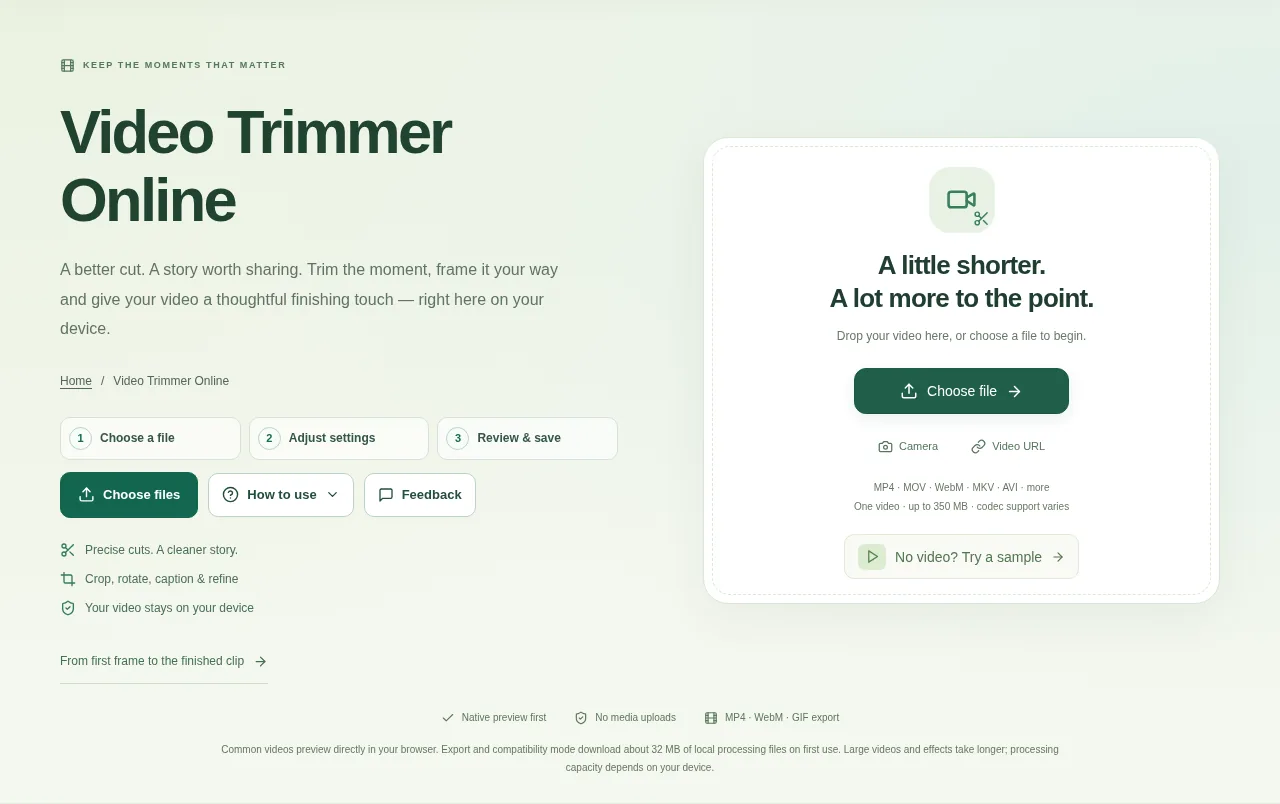
Open a video, set the start and end times and choose whether to keep or remove the selection. Preview your edits, choose an output format and export a new clip.
Open the PDF and choose the pages that need straightening. Look at the direction of a long text line rather than the edge of a photographed desk. Create the result and compare it with the original scan.