How to make a recording easier to listen to
Add the audio or supported video recording and listen to the original. Decide whether you are preparing speech, a podcast or music. Process, listen to the real result and choose an output format before downloading.
 View full size
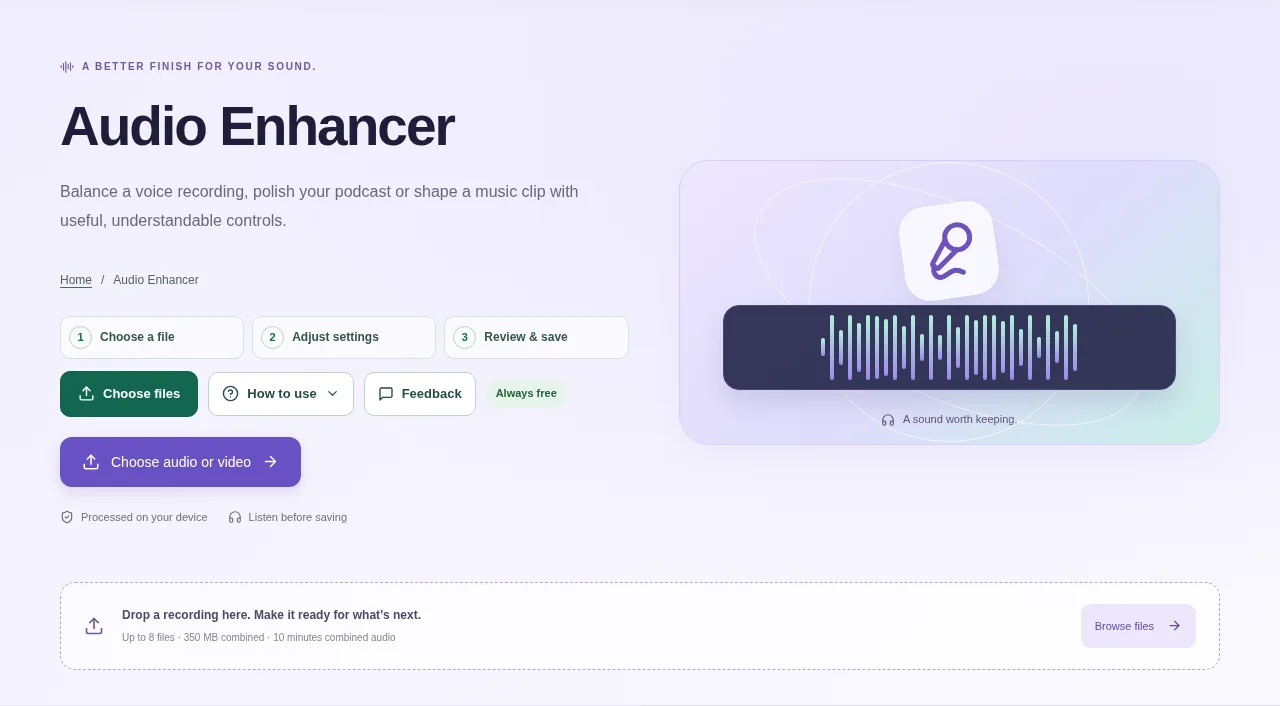
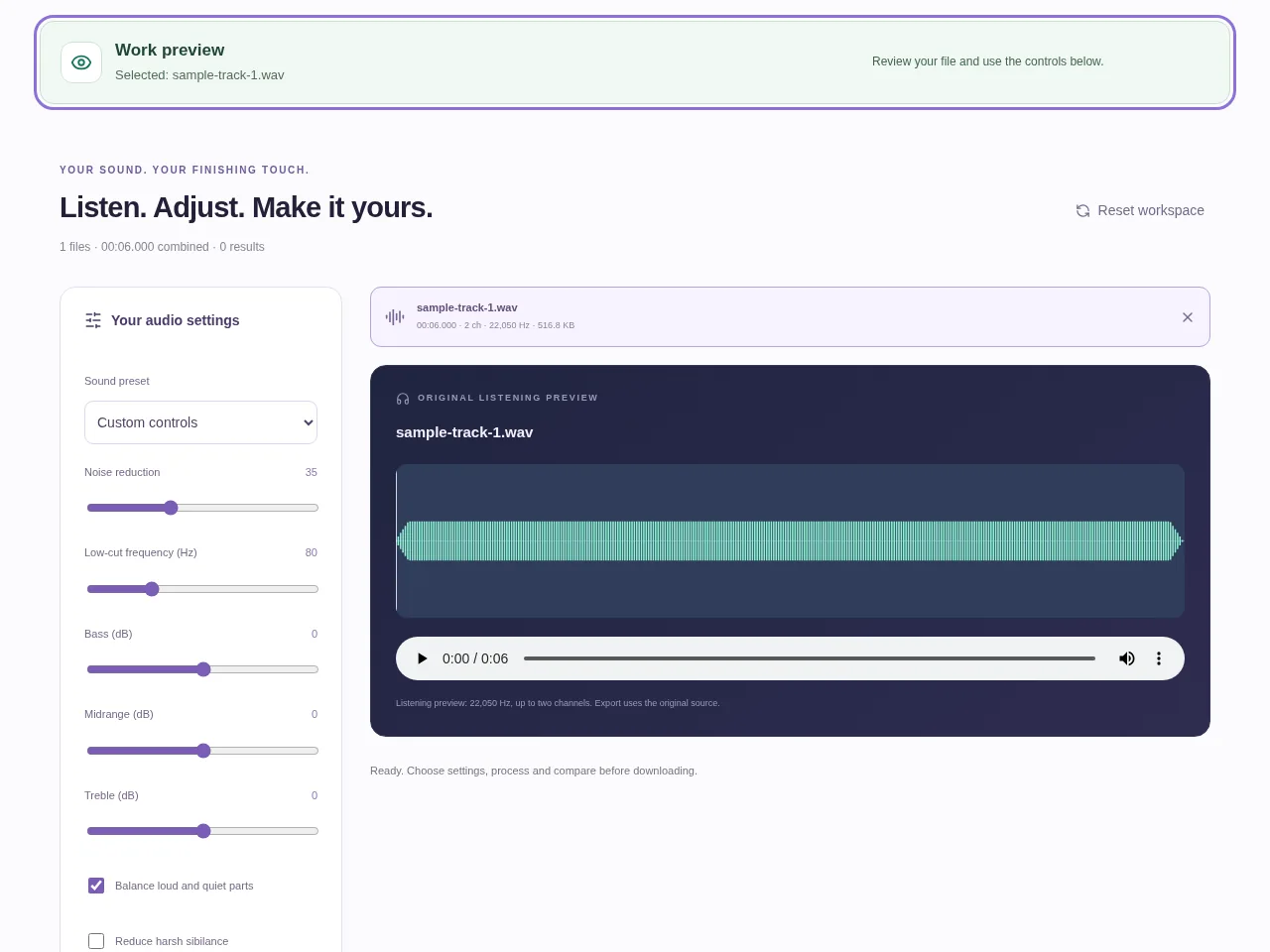
A useful audio enhancement often needs several small adjustments rather than one strong effect. Audio Enhancer combines presets with noise reduction, EQ, compression, de-essing and loudness controls, so you can tune a recording to its purpose.
1. Open your file
Add the audio or supported video recording and listen to the original. Decide whether you are preparing speech, a podcast or music.
2. Work through the settings
- Choose Clear voice, Podcast or Music as a starting preset, or use Custom controls.
- Adjust noise reduction and EQ gently. Check that removing a low rumble has not made the sound thin.
- Use compression and loudness controls to manage level differences, and de-essing when harsh “s” sounds need attention.
- Process, listen to the real result and choose an output format before downloading.
 View full size
3. Check before you share
- Listen to both loud and quiet parts.
- Check for distortion, pumping or a flattened musical sound.
- Compare at a similar playback volume and keep the original.
File limits and first-use notes
Up to 8 files, 350 MB combined, 10 minutes combined source duration and 350 MB combined output. DSP enhancement runs locally; clipped or missing source information cannot be recovered. Free, without registration or time limits; file and device limits still apply.
Questions you may have
Do I need an account to enhance audio?
No. Audio Enhancer is permanently free without registration or a session time limit. File, duration and device limits still apply.
Can it repair a recording that was too loud at the microphone?
Clipping destroys information. Enhancement can change the remaining sound, but cannot guarantee restoration of the missing peaks.