How to try removing centered vocals from a stereo track
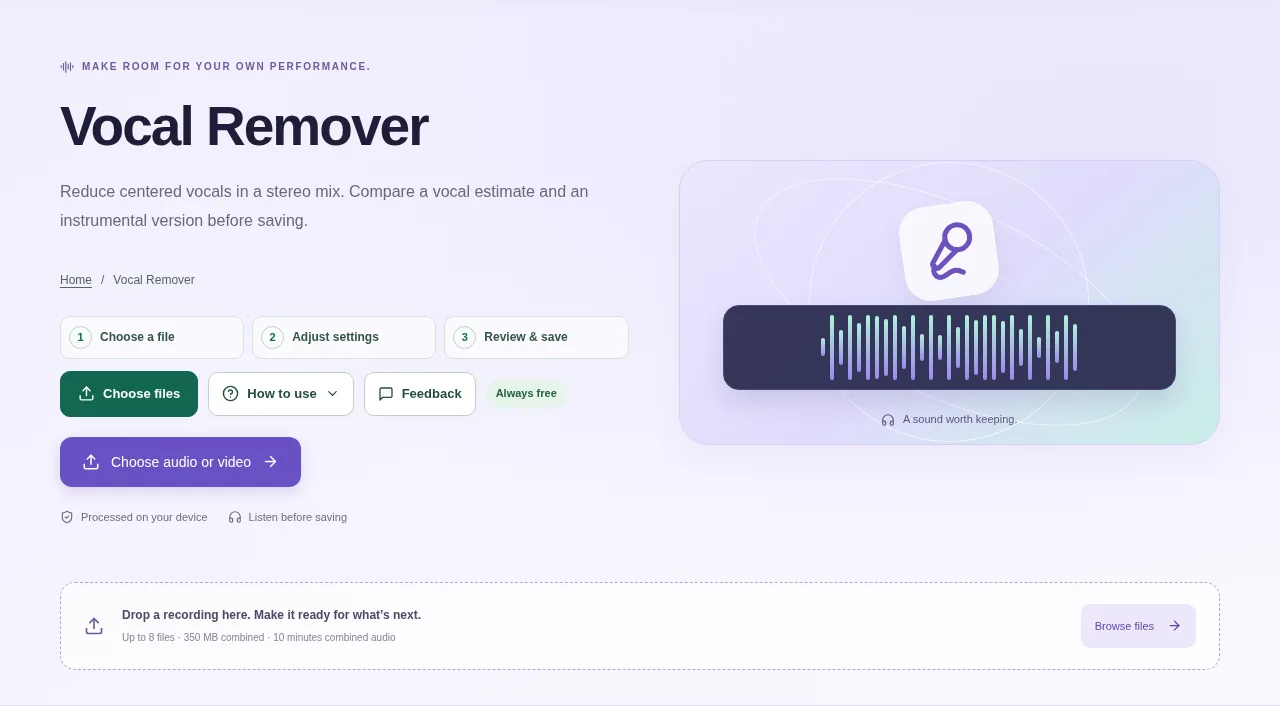
Add a stereo recording, adjust the center-separation controls and process it. Listen to the instrumental and vocal-center estimates before downloading. This method is not neural stem separation.
 View full size
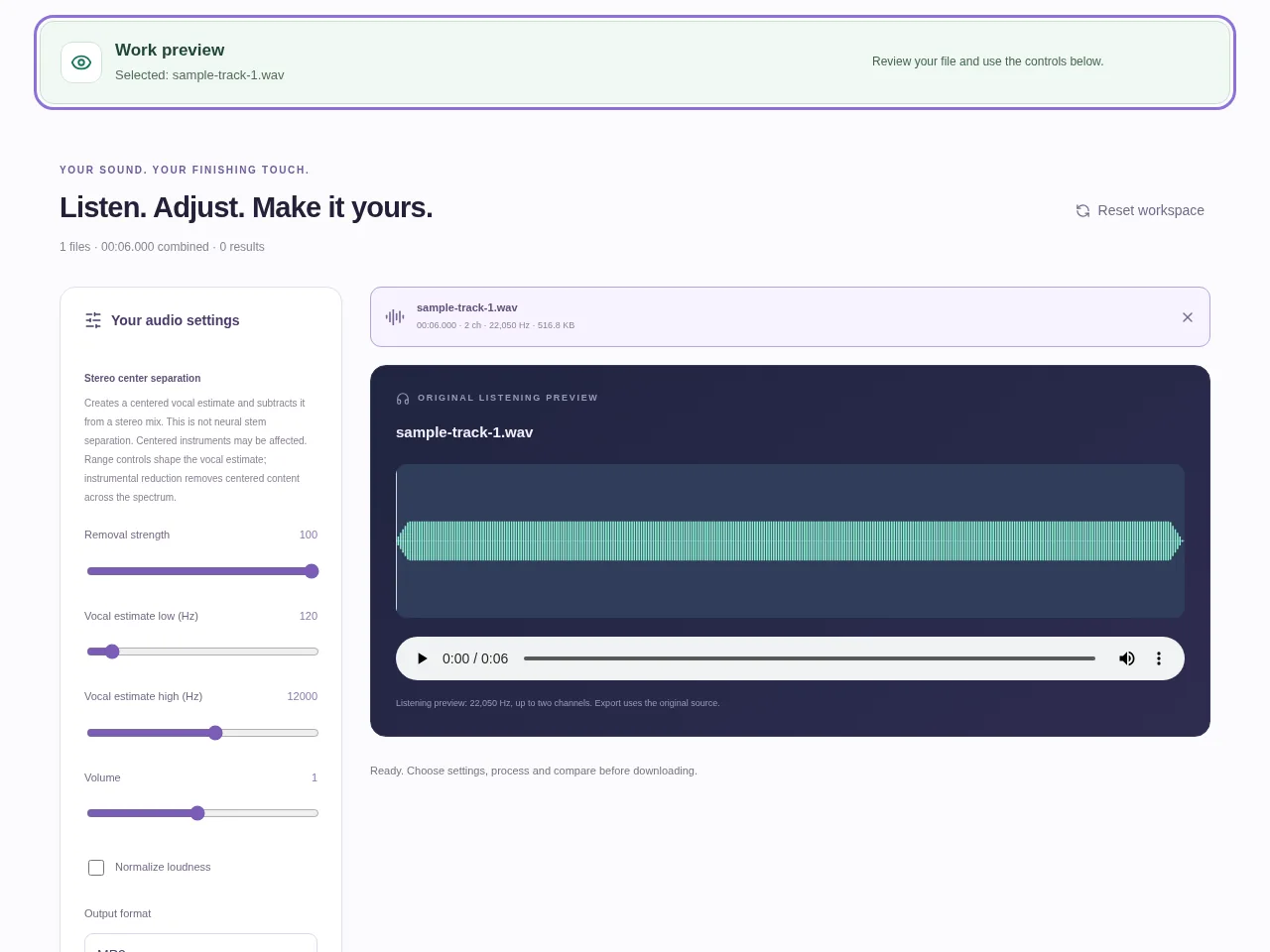
Tooldu’s Vocal Remover uses stereo center separation. It estimates sound shared between the left and right channels and creates vocal-center and instrumental results. That method is useful for some mixes, but it is not neural stem separation.
1. Open your file
Choose a stereo recording and listen to its original channels. A mono recording is not suitable for this method and is rejected.
2. Work through the settings
- Start with the default removal strength and process a short, familiar section if you can.
- Adjust the vocal-estimate frequency range to change which centered content appears in that estimate.
- Listen to both the instrumental and vocal-center results. Centered bass, drums or other instruments can be affected too.
- Download the result you need, or save the separate outputs together in a ZIP.
 View full size
3. Check before you share
- Listen for vocals that remain at the sides of the stereo mix.
- Check whether important instruments were reduced along with the voice.
- Compare more than one part of the song before deciding the result is usable.
File limits and first-use notes
Stereo center separation runs locally; it is not neural stem separation. Mono sources are rejected. Centered instruments can also be affected; off-center vocals may remain. Free, without registration or time limits; file and device limits still apply.
Questions you may have
Is the vocal-removal tool free?
Yes. It is permanently free without registration or a session time limit, within its source and output limits.
Why will a mono file not work?
The method needs differences between left and right channels. A mono source does not provide the stereo information it relies on.