How to reduce recording noise without overdoing it
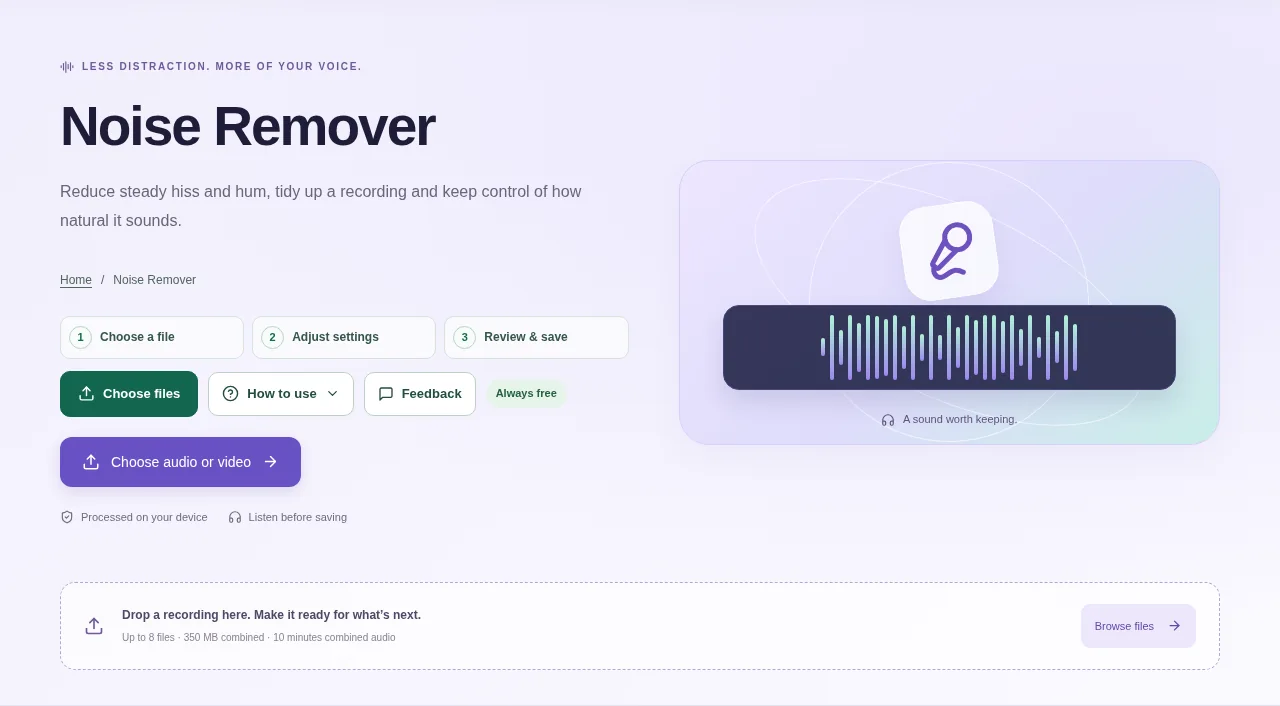
Add a recording and listen to the original first. Notice whether the problem is a steady hiss, a low rumble or a 50/60 Hz electrical hum. Process the recording, compare original and result playback, then download the version that sounds clearer.
 View full size
A steady hiss or mains hum can distract from a recording. Noise Remover offers local noise reduction and filters, but stronger settings are not always better. Quiet speech and background detail can disappear along with the noise.
1. Open your file
Add a recording and listen to the original first. Notice whether the problem is a steady hiss, a low rumble or a 50/60 Hz electrical hum.
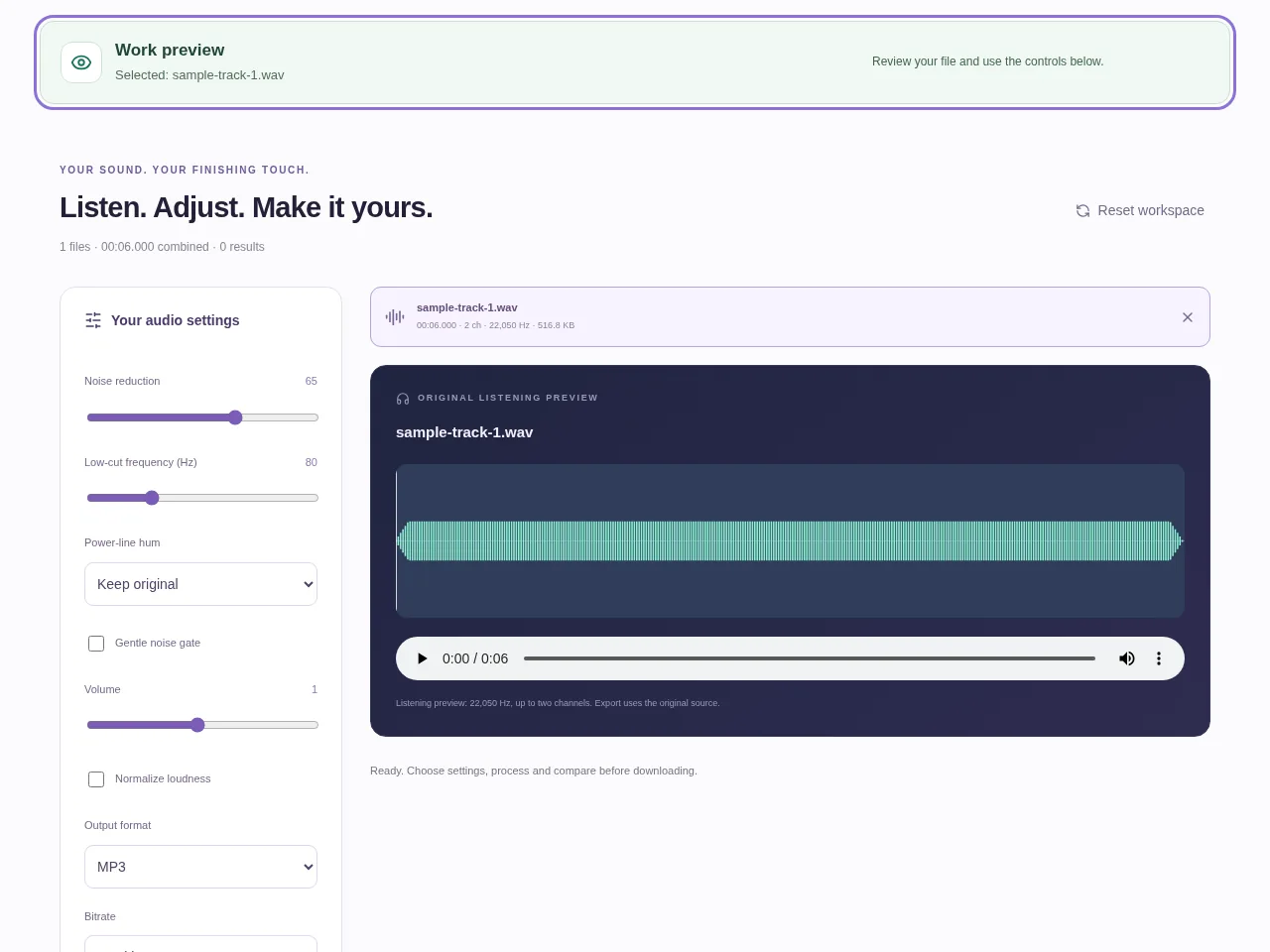
2. Work through the settings
- Start with a modest Noise reduction setting rather than the maximum.
- Use the low-cut control for unwanted low-frequency rumble. Choose 50 or 60 Hz hum reduction only when that matches the problem.
- Try the gentle noise gate carefully on pauses; listen for quiet syllables being cut.
- Process the recording, compare original and result playback, then download the version that sounds clearer.
 View full size
3. Check before you share
- Listen to quiet speech as well as the silent gaps.
- Check for watery, metallic or abruptly gated sound.
- Compare at similar volume so a louder result does not simply seem better.
File limits and first-use notes
Up to 8 files, 350 MB combined, 10 minutes combined source duration and 350 MB combined output. Noise reduction can affect quiet details; compare before saving. Free, without registration or time limits; file and device limits still apply.
Questions you may have
Can I use Noise Remover for free?
Yes. It is permanently free without registration or a session time limit, within its file and duration limits.
Why does the voice sound less natural at high strength?
The reduction is also affecting parts of the voice. Lower the strength and compare a short, quiet section before processing the whole recording again.