
How to straighten slightly tilted scanned PDF pages
Open the PDF and choose the pages that need straightening. Look at the direction of a long text line rather than the edge of a photographed desk. Create the result and compare it with the original scan.
 View full size
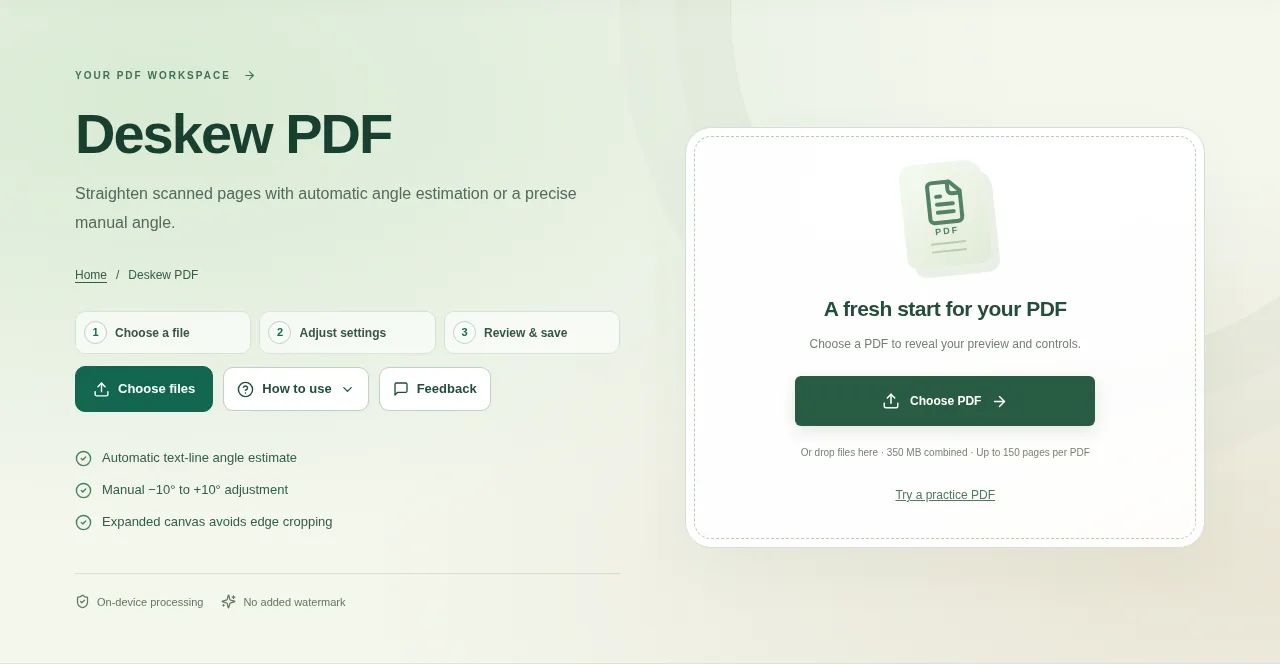
A small tilt can make a scan tiring to read and make OCR less reliable. Deskew PDF tries to estimate the angle of printed text lines, or lets you choose a small manual correction.
1. Open your file
Open the PDF and choose the pages that need straightening. Look at the direction of a long text line rather than the edge of a photographed desk.
2. Work through the settings
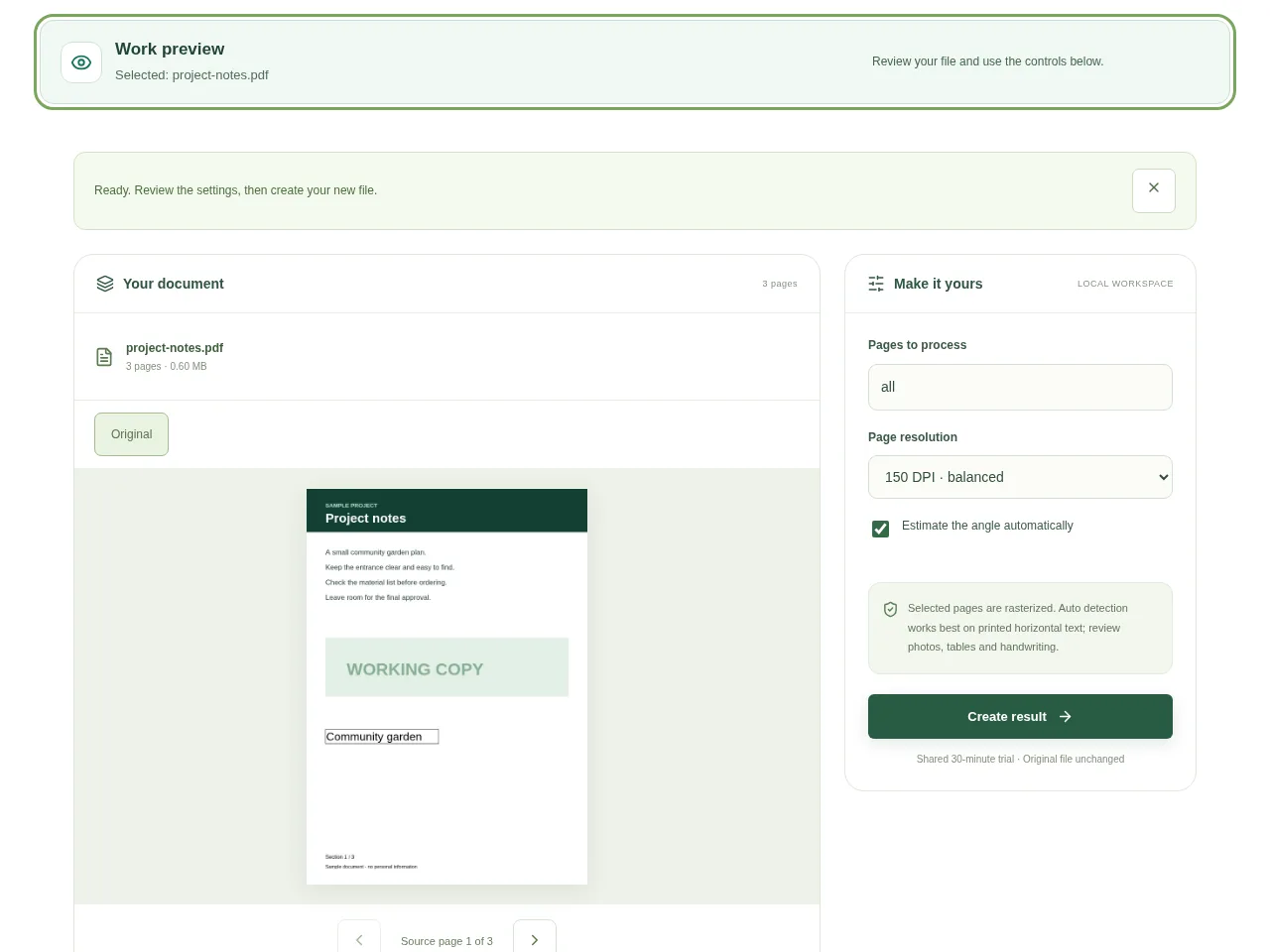
- Try automatic angle detection on a page with clear horizontal printed text.
- If the estimate is wrong, choose a manual angle between −10° and +10°. Make a small adjustment and review it.
- Check the expanded page area, which helps avoid cutting the corners off after a turn.
- Create the result and compare it with the original scan.
 View full size
3. Check before you share
- Look at several lines, not just one heading.
- Check corners and page edges for lost content.
- Use a normal reading zoom to judge whether the page is more comfortable to read.
File limits and first-use notes
The file budget is 350 MB, with up to 150 pages per source PDF. Selected pages are rasterized. Auto detection works best on printed horizontal text; review photos, tables and handwriting.
Questions you may have
Is deskew the same as fixing a sideways page?
No. Deskew corrects a small tilt. Rotate PDF is the better choice for sideways or upside-down pages.
Can I choose the angle myself?
Yes. Use the manual angle when the automatic text-line estimate does not fit the page.


