Choose your PDF and look at the page, blended or odd/even preview. Pick a view that makes it easy to see whether the page margins are consistent. Check every affected preview before cropping and downloading the PDF.
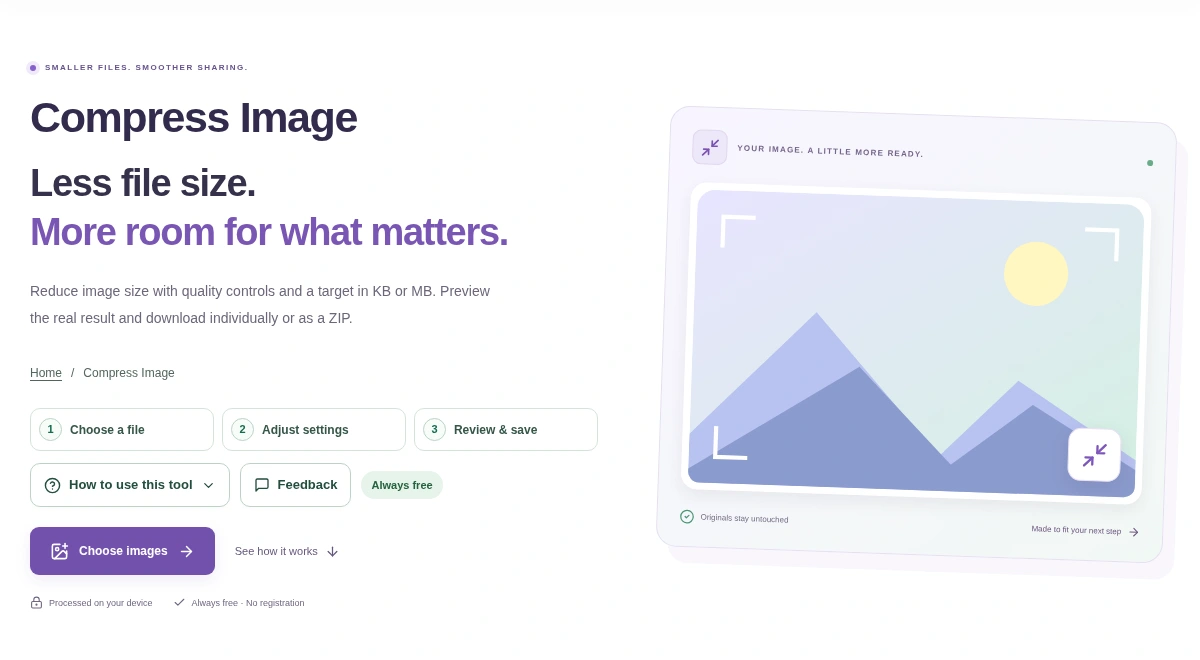
Choose your images in Resize Image. Read the original dimensions in the preview before changing the width or height. Compare the actual output dimensions before downloading the files or ZIP.
Open the PDF and choose the pages to convert. Keep a color original, especially when charts use color to distinguish their values. Create the PDF and compare the chosen pages with the original.
Fill in the form and save it first. Open that saved copy in Flatten PDF Forms, then look at the visible values before processing. Reopen the output in a PDF viewer and check that the form values remain visible.
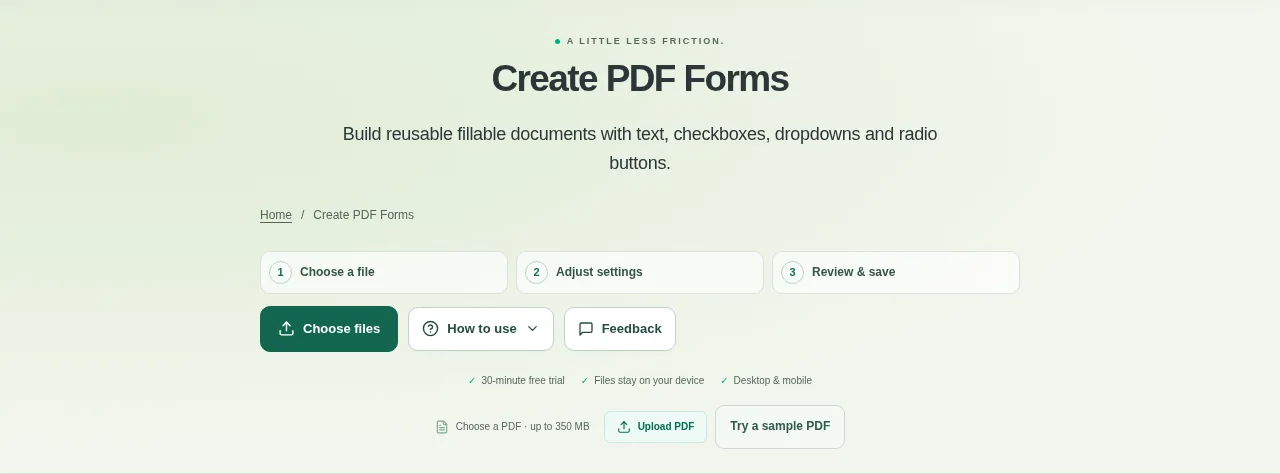
Open the template and choose the form controls you want to add. Leave enough blank space for real answers rather than squeezing fields into the design. Apply the changes, download the PDF and test it in a PDF viewer that supports forms.
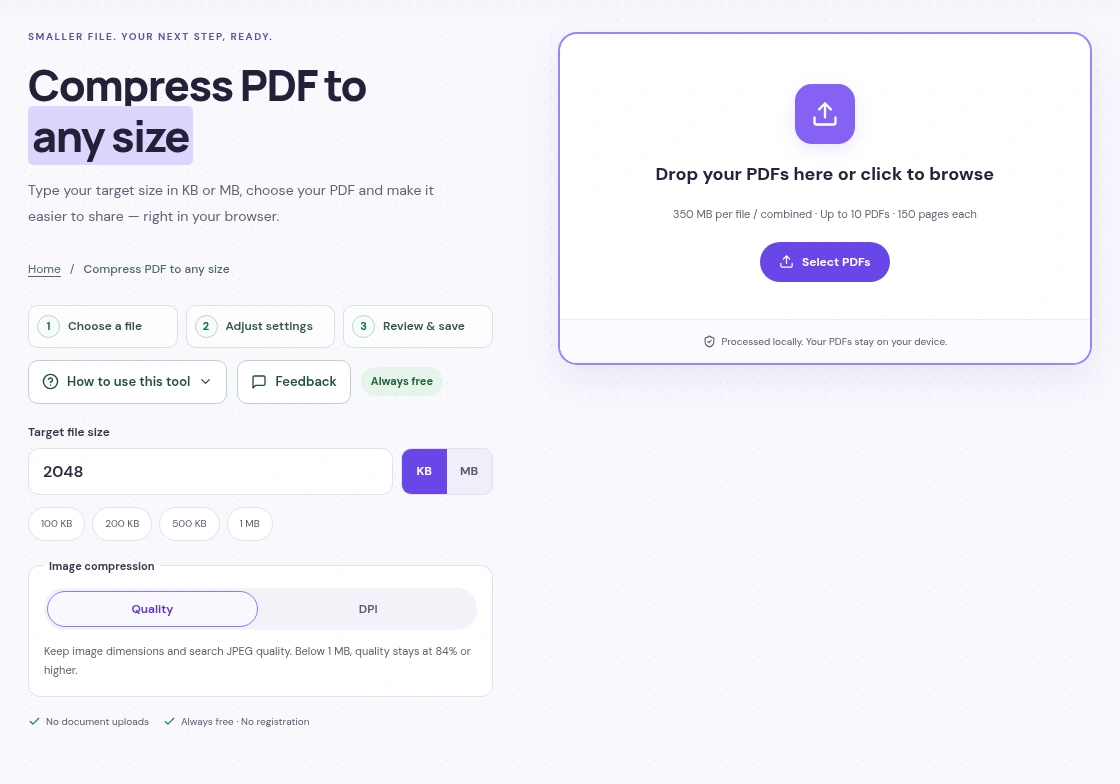
Add your PDF to Compress PDF, choose a size limit or quality setting and press Start Compressing. Check the pages in the result, then download the smaller file.
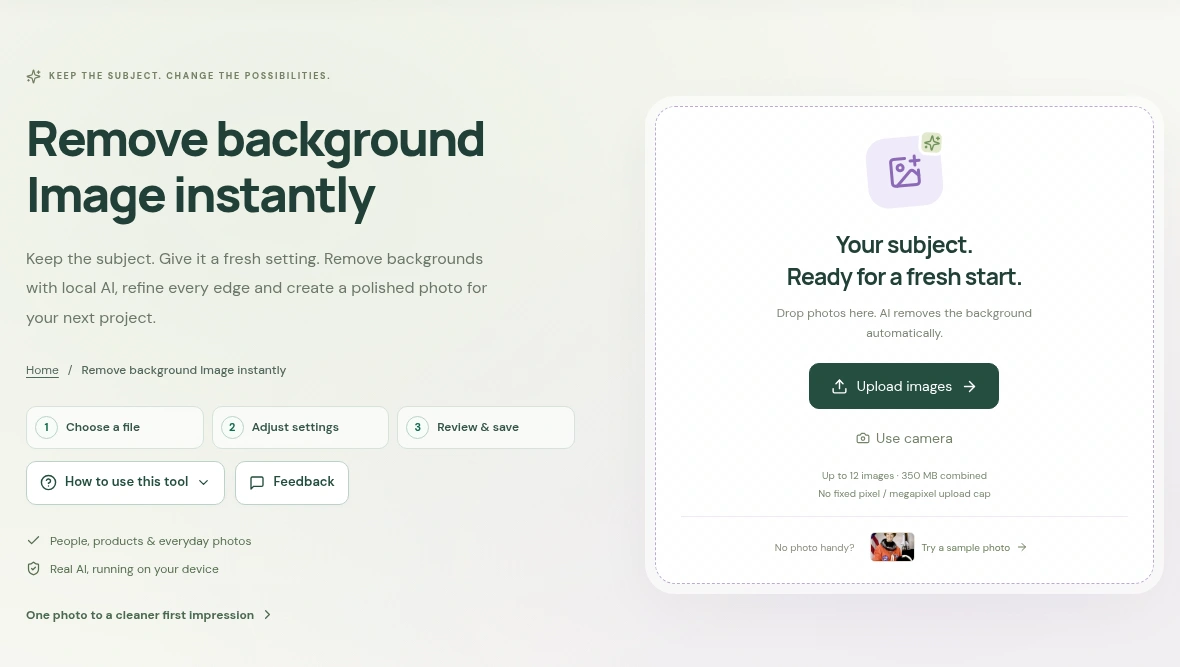
Choose a photo in Background Remover, compare the cutout with the original and use Restore from original if part of the subject is missing. Save as PNG to keep the background transparent.