
How to count words and characters in a PDF
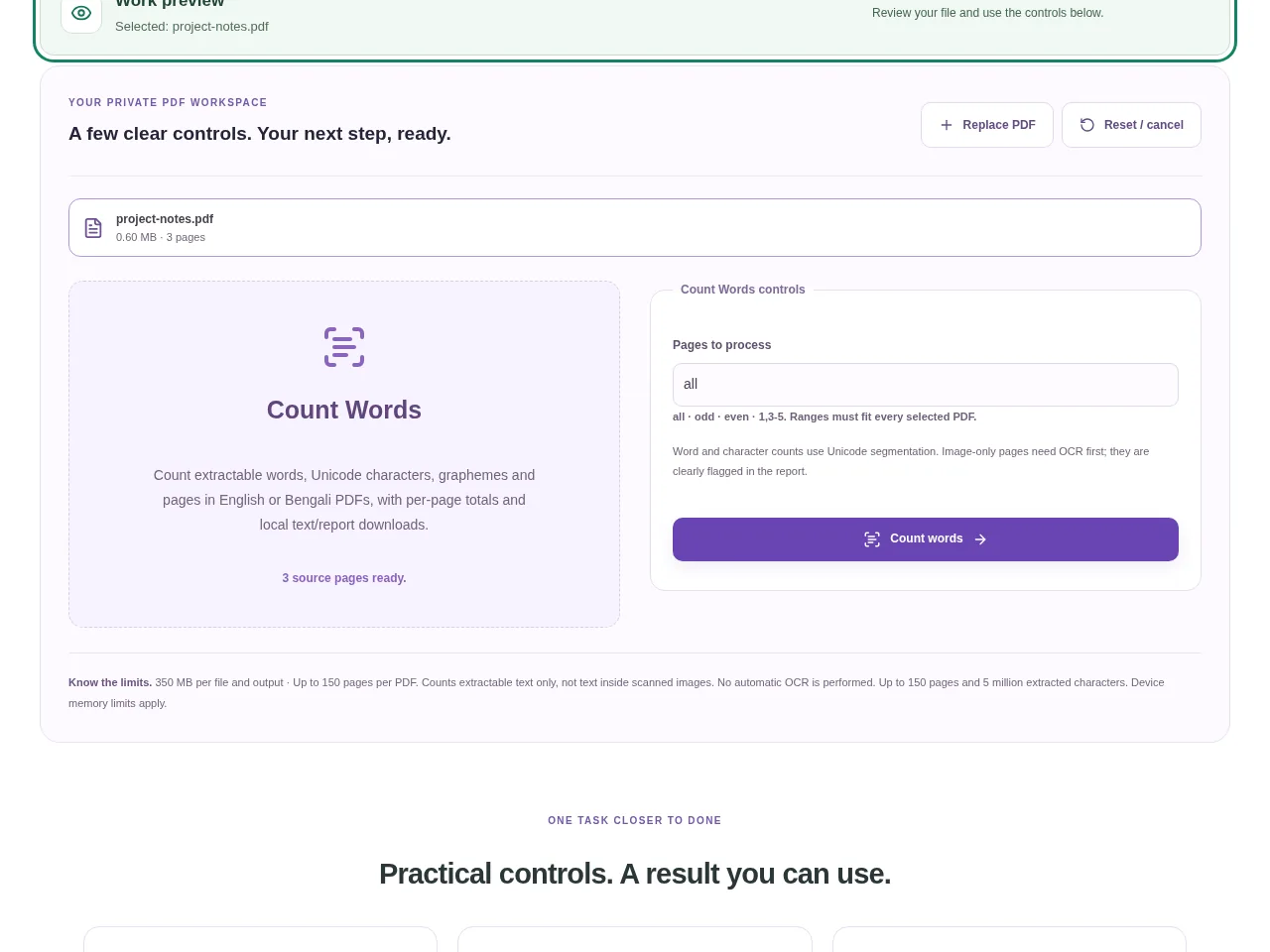
Choose the PDF in Count Words. Use a text-based source if you want a direct count; a scanned page may look readable but contain no extractable words. Download the text or JSON report if you need to keep a record.
 View full size
A PDF’s page count does not tell you how much text it contains. Count Words reports extractable words and characters, including per-page totals, so you can check a document without copying everything into another app.
1. Open your file
Choose the PDF in Count Words. Use a text-based source if you want a direct count; a scanned page may look readable but contain no extractable words.
2. Work through the settings
- Run Count words and review the total report.
- Look at words, characters with and without spaces, and the per-page figures rather than treating them as the same measure.
- Check pages reported as having no extractable text. They may be scans or genuinely blank pages.
- Download the text or JSON report if you need to keep a record.
 View full size
3. Check before you share
- Compare a short page with the extracted text.
- Check whether scanned pages explain an unexpectedly low total.
- Use the same counting convention when comparing totals from different apps.
File limits and first-use notes
The file budget is 350 MB, with up to 150 pages per source PDF. Counts extractable text only, not text inside scanned images. No automatic OCR is performed. Up to 150 pages and 5 million extracted characters.
Questions you may have
Why is the total lower than I expected?
Some pages may contain images rather than text. Run OCR on those scans and review the recognized words before counting again.
Are characters and visible letters always the same count?
No. Unicode code points and grapheme clusters are different measures. A visible letter with combining marks can involve more than one code point.


