
How to extract editable Word text from a PDF
Choose a PDF with readable text and inspect the preview. A simple letter is a better fit than a brochure with complex columns and graphics. Rebuild headings, tables and other formatting in Word where needed, then save your edited document.
 View full size
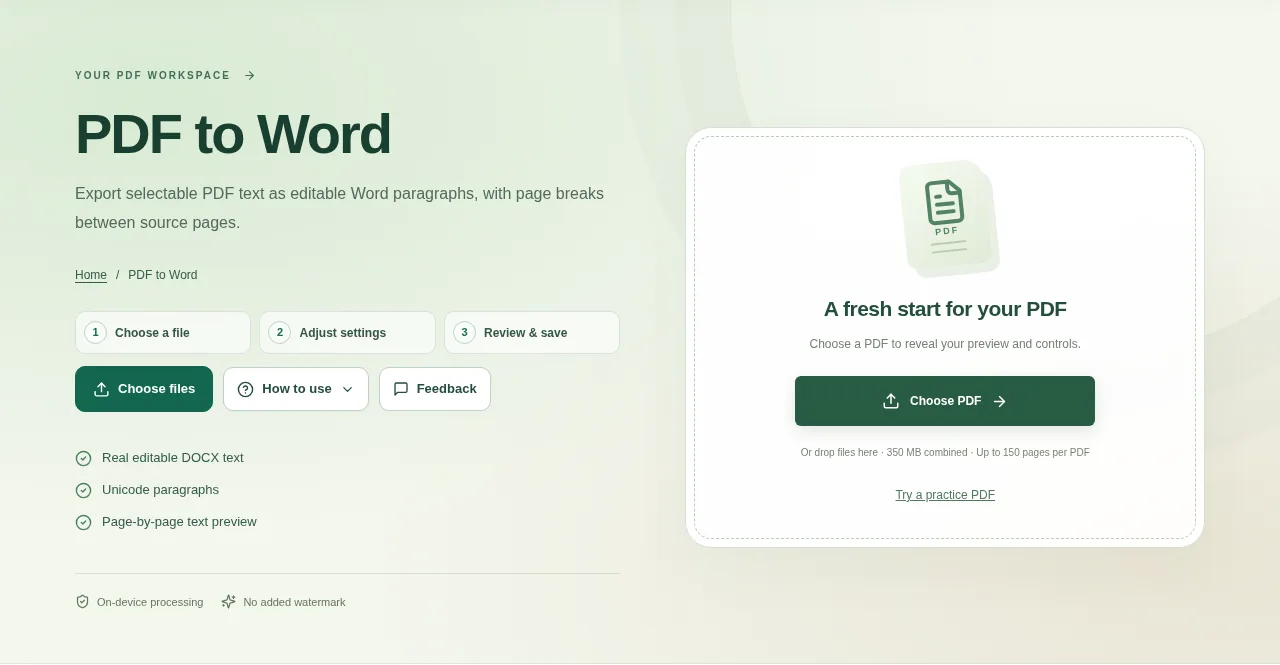
Use PDF to Word when you need to rewrite the words rather than preserve a finished page design. This tool exports extractable PDF text as real editable DOCX paragraphs, with a page break between source pages.
1. Open your file
Choose a PDF with readable text and inspect the preview. A simple letter is a better fit than a brochure with complex columns and graphics.
2. Work through the settings
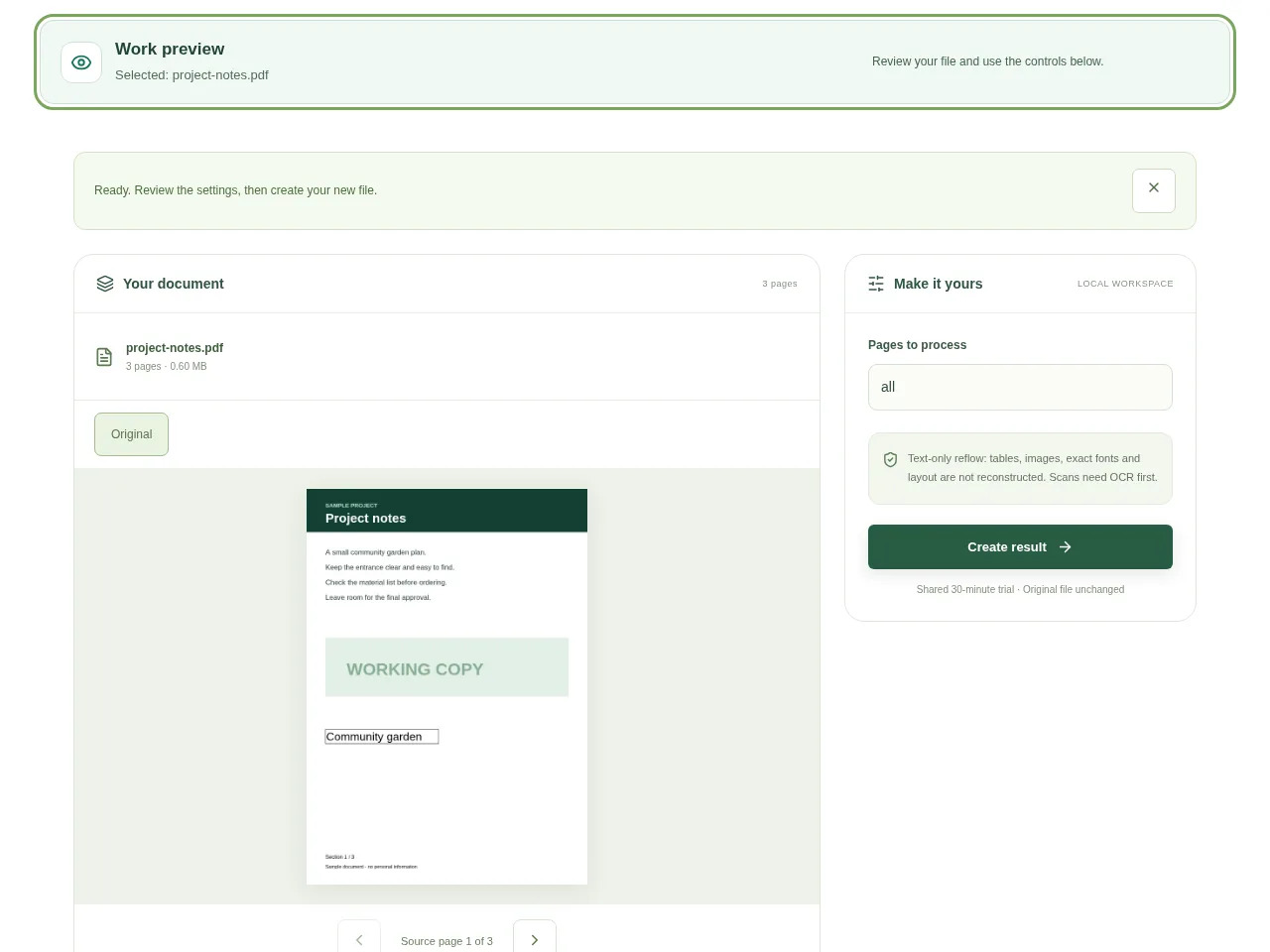
- Choose the pages that contain the text you want to work on.
- Use Create result and review the extracted text preview.
- Download the DOCX and open it in Word or another compatible editor.
- Rebuild headings, tables and other formatting in Word where needed, then save your edited document.
 View full size
3. Check before you share
- Compare paragraph order with the PDF.
- Read names, numbers and non-Latin text carefully.
- Check where the source page breaks fall in the Word document.
File limits and first-use notes
The file budget is 350 MB, with up to 150 pages per source PDF. Text-only reflow: tables, images, exact fonts and layout are not reconstructed. Scans need OCR first.
Questions you may have
Will it look exactly like the PDF?
No. It makes editable paragraphs, not an exact recreation of the page design.
Can I edit the words in the downloaded DOCX?
Yes. They are text paragraphs rather than one full-page picture. The amount of cleanup depends on the source reading order and encoding.


