
How to remove a watermark from a PDF you may edit
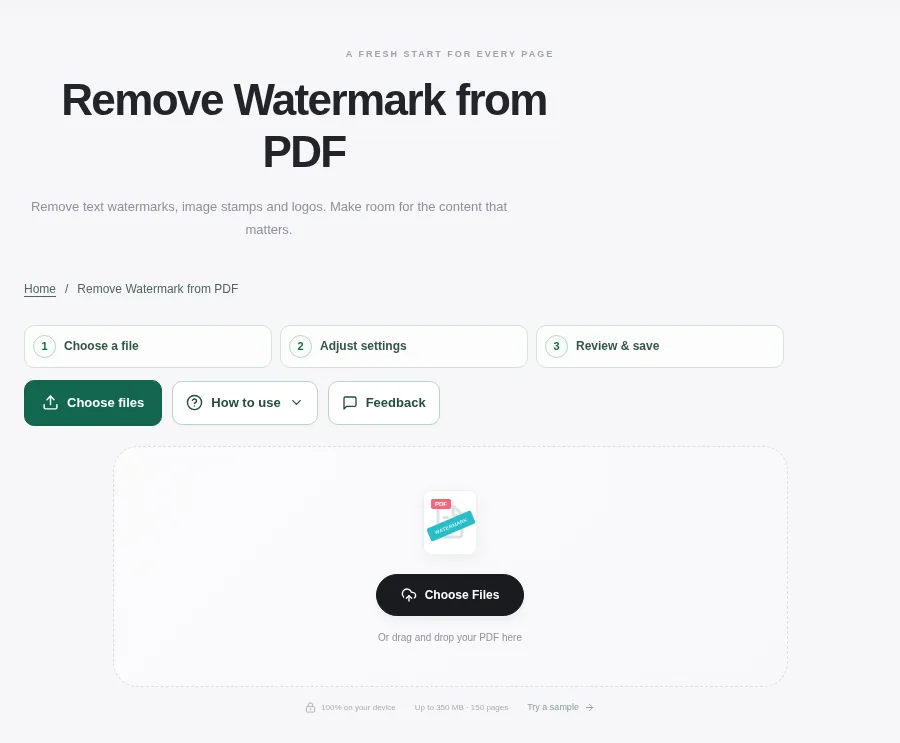
Open Remove PDF Watermark with a document you own or are authorized to change. Keep the source file and compare a few pages before trying a broad cleanup. Preview the processed pages, then download a copy once the important content looks right.
 View full size
An old draft label can get in the way when you are preparing a document you own. The right removal method depends on how that label was added. Separate PDF text or artwork is different from a mark baked into a scan.
1. Open your file
Open Remove PDF Watermark with a document you own or are authorized to change. Keep the source file and compare a few pages before trying a broad cleanup.
2. Work through the settings
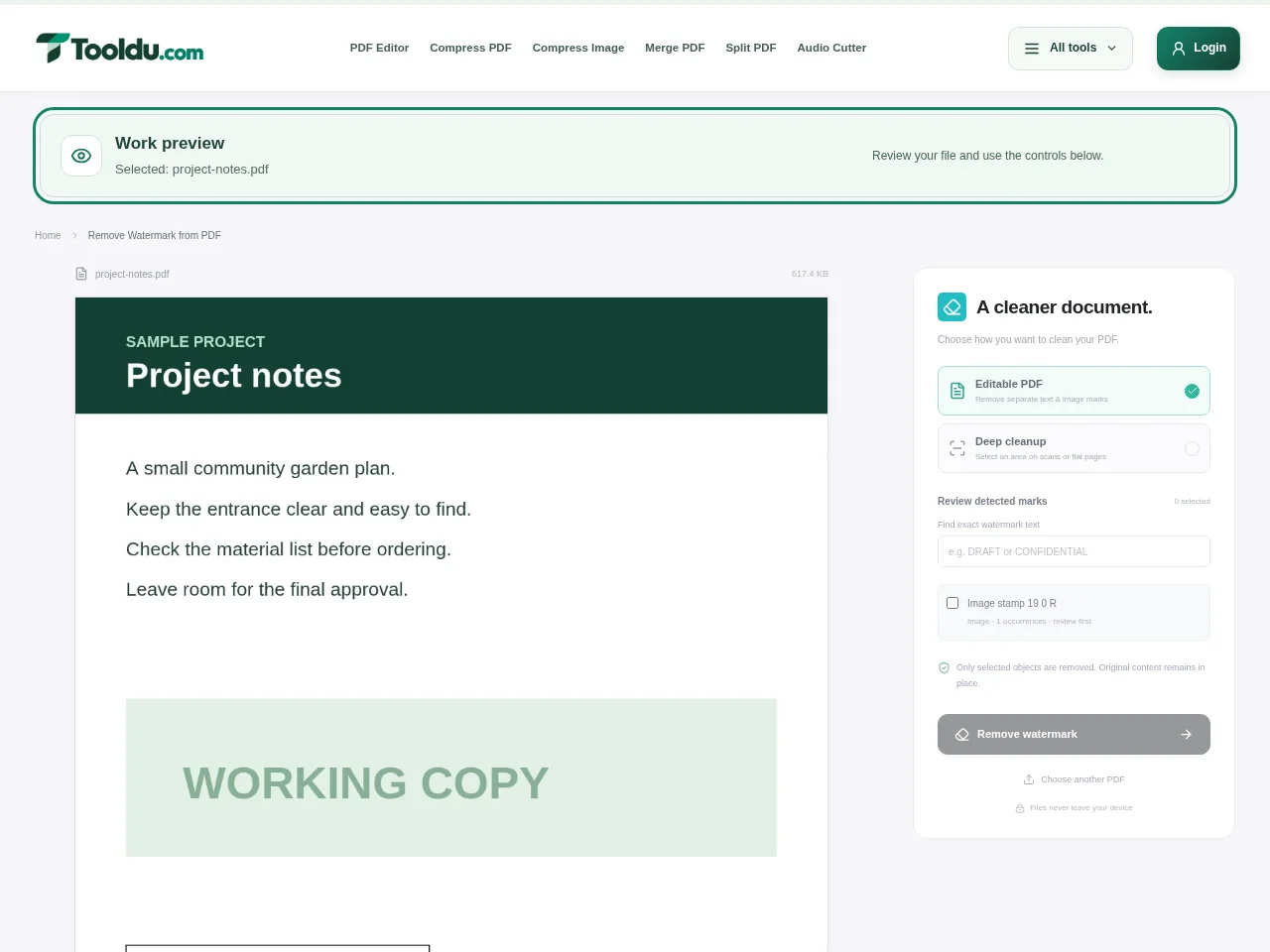
- Start with Editable PDF when the watermark is a separate text, image or annotation object. Select the actual mark rather than nearby document text.
- Remove one mark and inspect the surrounding content. Undo if you selected the wrong object.
- For a flattened scan, use the image cleanup workflow and select a small area. A narrow selection is easier to review than a large one.
- Preview the processed pages, then download a copy once the important content looks right.
 View full size
3. Check before you share
- Inspect letters or lines that crossed underneath the mark.
- Compare unmarked pages to make sure they were not changed unnecessarily.
- Keep the original until the clean copy has been reviewed.
File limits and first-use notes
350 MB. 150 pages. Deep cleanup areas: at most 35% of a page.
Questions you may have
Why does selecting a watermark sometimes select a larger image?
The watermark may be fused into that image instead of stored as a separate object. The editable-object method cannot separate those pixels.
Will a scan become fully editable after cleanup?
No. Deep cleanup produces image pages. Use OCR separately if you need recognized text, and review its accuracy.


