
How to check a PDF digital signature report
Choose the original signed PDF. Avoid editing or printing it to another PDF first, because that can remove or invalidate its certificate signature. Review the certificate subject, dates and fingerprint, then download the report if you need a record of the inspection.
 View full size
A signature picture and a certificate-based PDF signature are different things. Verify Signature inspects the signed bytes of supported PDF signatures and reports certificate details and later changes. Read each part of the report separately.
1. Open your file
Choose the original signed PDF. Avoid editing or printing it to another PDF first, because that can remove or invalidate its certificate signature.
2. Work through the settings
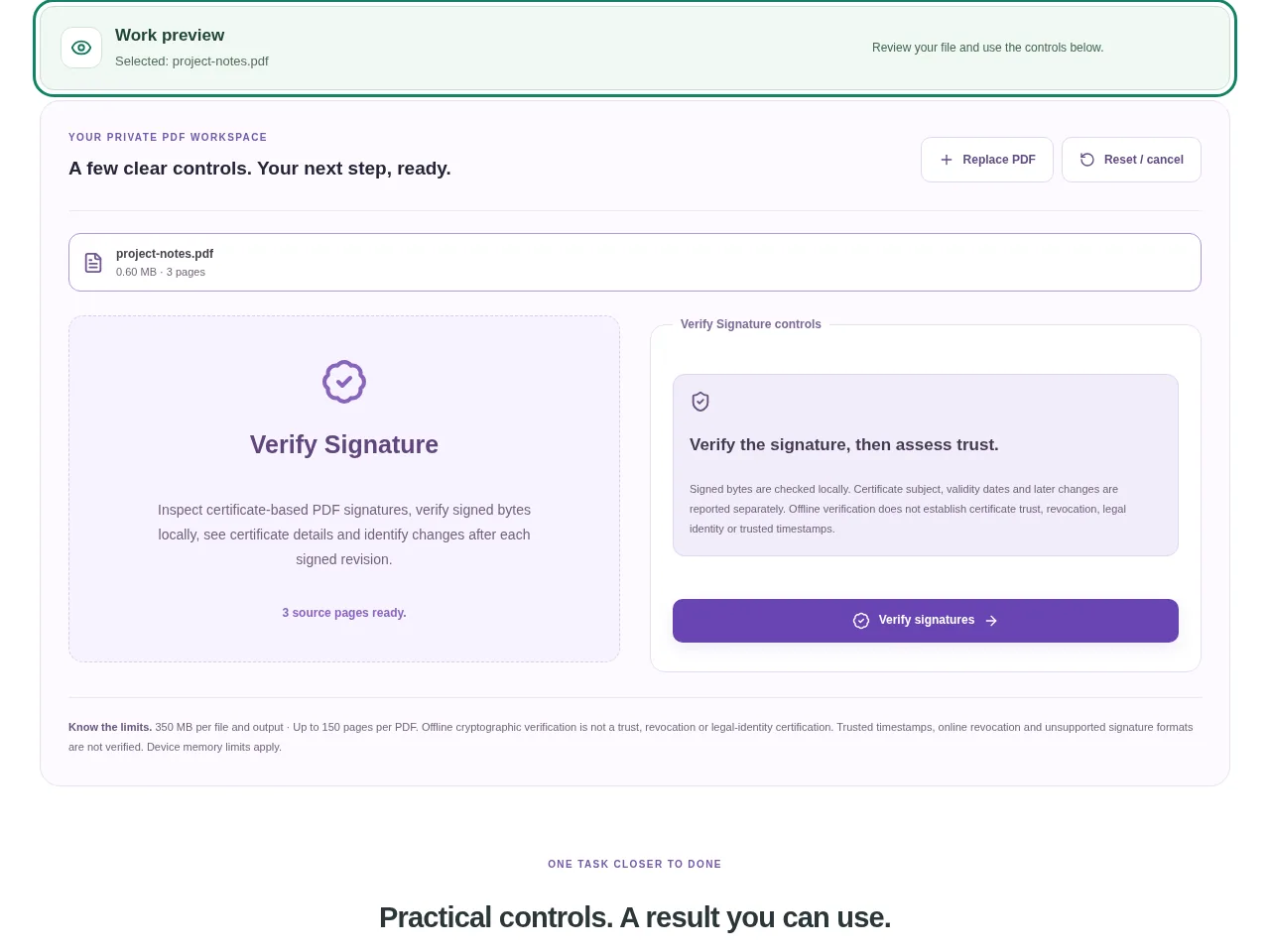
- Use Verify signatures to run the local inspection.
- Read the cryptographic verification result for each supported signature. It checks the signed revision against the included signing certificate.
- Look at whether bytes were added after the signed revision. A valid earlier signature does not automatically approve later changes.
- Review the certificate subject, dates and fingerprint, then download the report if you need a record of the inspection.
 View full size
3. Check before you share
- Confirm that the document contains a real certificate signature.
- Read later-change information rather than stopping at one green result.
- Use a trusted certificate-validation service when the decision needs a trust or revocation check.
File limits and first-use notes
The file budget is 350 MB, with up to 150 pages per source PDF. Offline cryptographic verification is not a trust, revocation or legal-identity certification. Trusted timestamps, online revocation and unsupported signature formats are not verified.
Questions you may have
Why did a visibly signed page show no digital signature?
The visible name or signature may be only text or an image. That does not include a certificate signature over the PDF bytes.
Does a passed check prove who signed the document?
It confirms the supported cryptographic check against the included certificate. Certificate trust and the signer’s legal identity require separate assessment.


