
How to divide a two-page scan down the middle
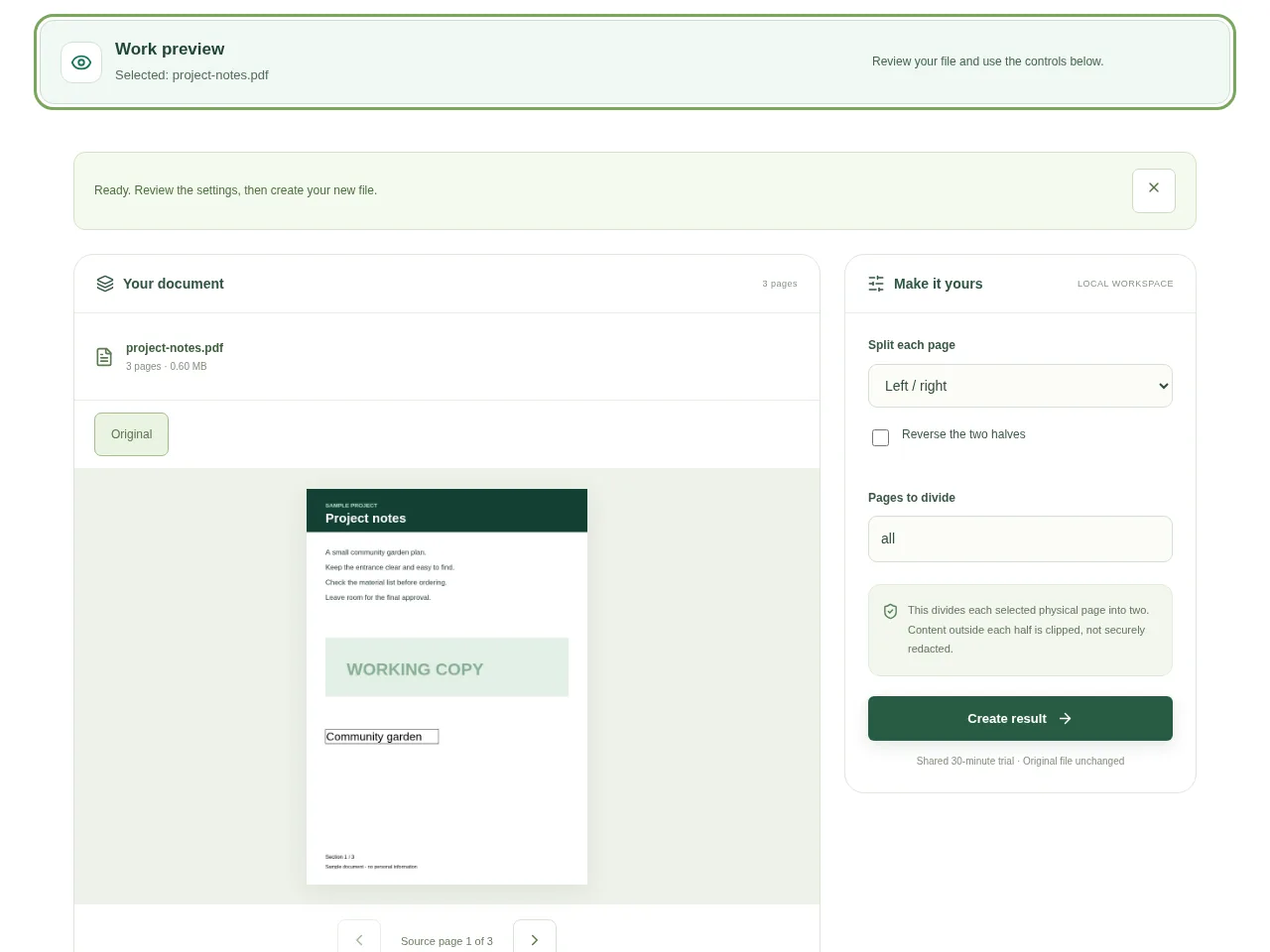
Choose the PDF and inspect a spread. Decide whether the division should be vertical or horizontal before creating the result. Use Create result and check the sequence of new half-pages.
 View full size
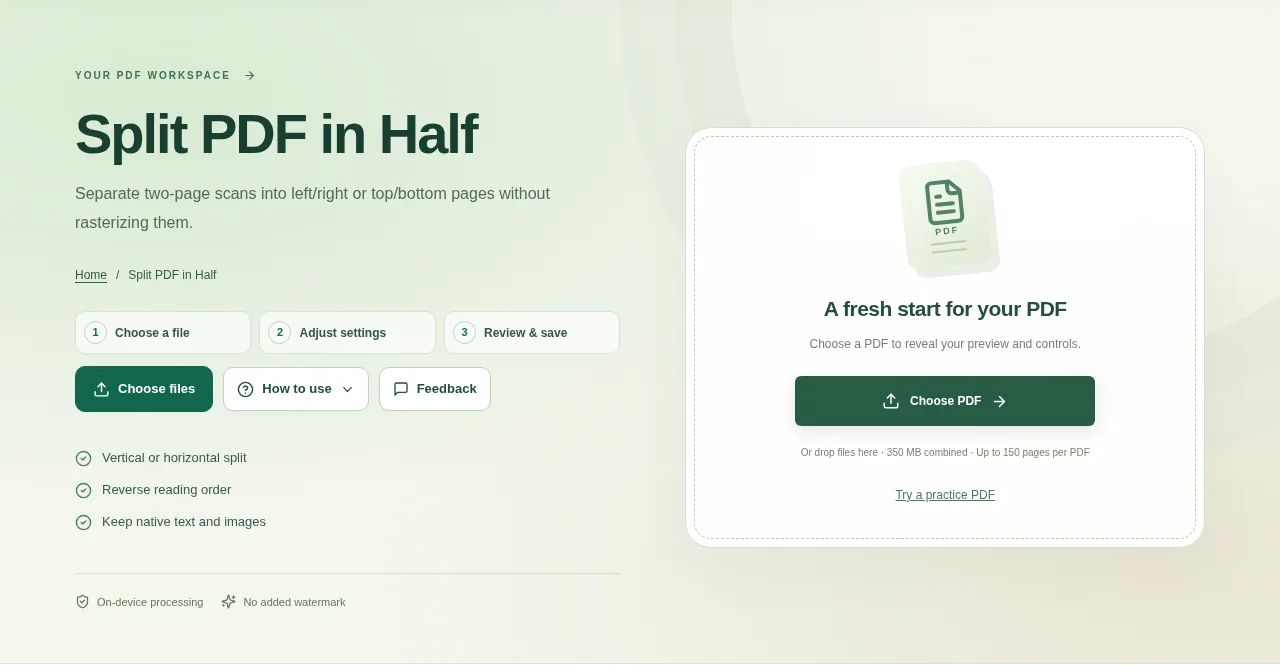
A scanned book spread can hold two printed pages on one PDF page. Split PDF in Half separates the left and right sides, or the top and bottom sides, into new pages without asking you to draw every crop by hand.
1. Open your file
Choose the PDF and inspect a spread. Decide whether the division should be vertical or horizontal before creating the result.
2. Work through the settings
- Choose a vertical split for pages side by side, or a horizontal split for pages stacked above and below each other.
- Check the reading order. Reverse it when the second half should come first.
- Review the center line against text close to the fold. This tool divides the physical page in half, not along an automatically detected book spine.
- Use Create result and check the sequence of new half-pages.
 View full size
3. Check before you share
- Read the last line near each cut edge.
- Check the new page count and the order of the halves.
- Keep the full-spread source in case the midpoint needs a different crop workflow.
File limits and first-use notes
The file budget is 350 MB, with up to 150 pages per source PDF. This divides each selected physical page into two. Content outside each half is clipped, not securely redacted.
Questions you may have
Does this split a document into two files?
It splits selected physical pages into two page areas. For separate page-range files, use Split PDF by Pages.
What if the book fold is off-center?
Use Crop PDF or another manual page-area workflow when the exact midpoint would cut through the content.


