
How to split a PDF into the parts you need
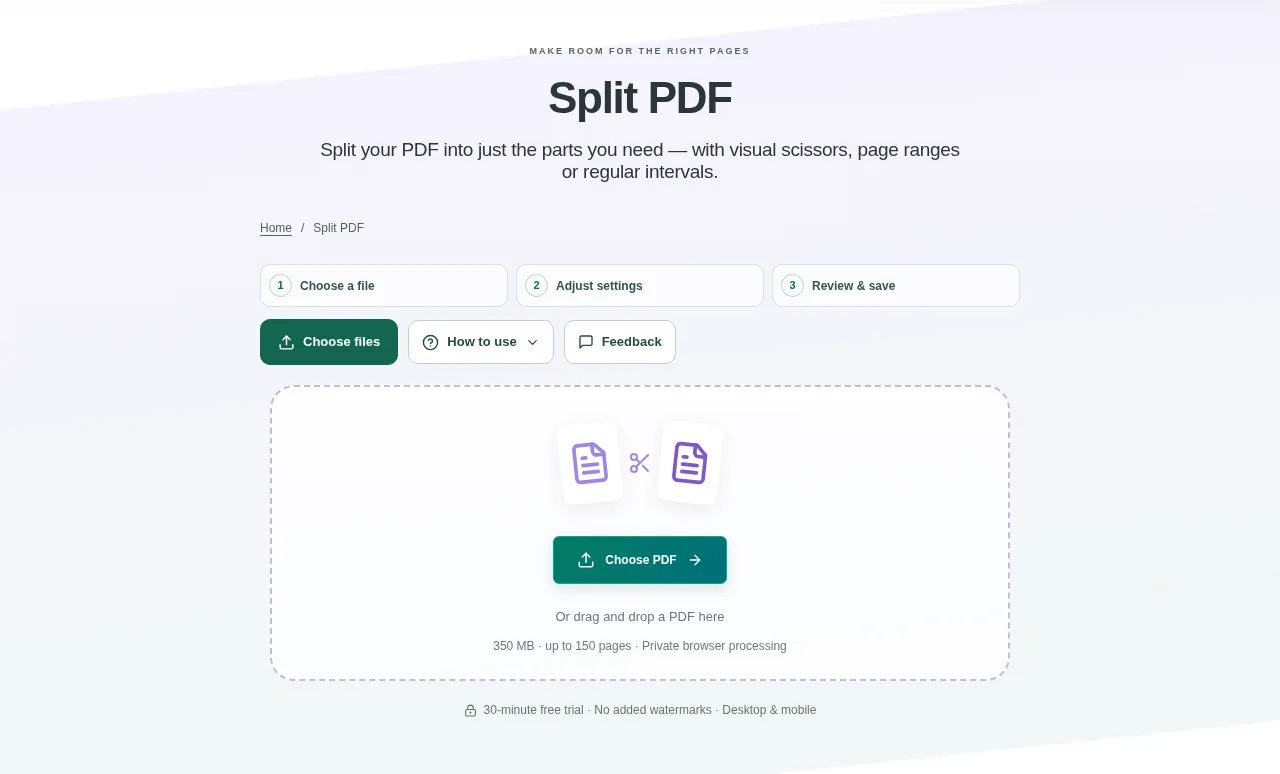
Choose one PDF in Split PDF. Wait for the thumbnails, then decide whether you want separate pages, regular intervals or your own groups. For custom ranges, follow the example shown beside the range field: commas make separate PDFs, while + joins selections within one part. Create the split files when the labels look right.
 View full size
A large report may contain only a few pages that someone needs to read. Split PDF creates smaller documents from selected parts, so you can send a chapter or a group of pages without the rest.
1. Open your file
Choose one PDF in Split PDF. Wait for the thumbnails, then decide whether you want separate pages, regular intervals or your own groups.
2. Work through the settings
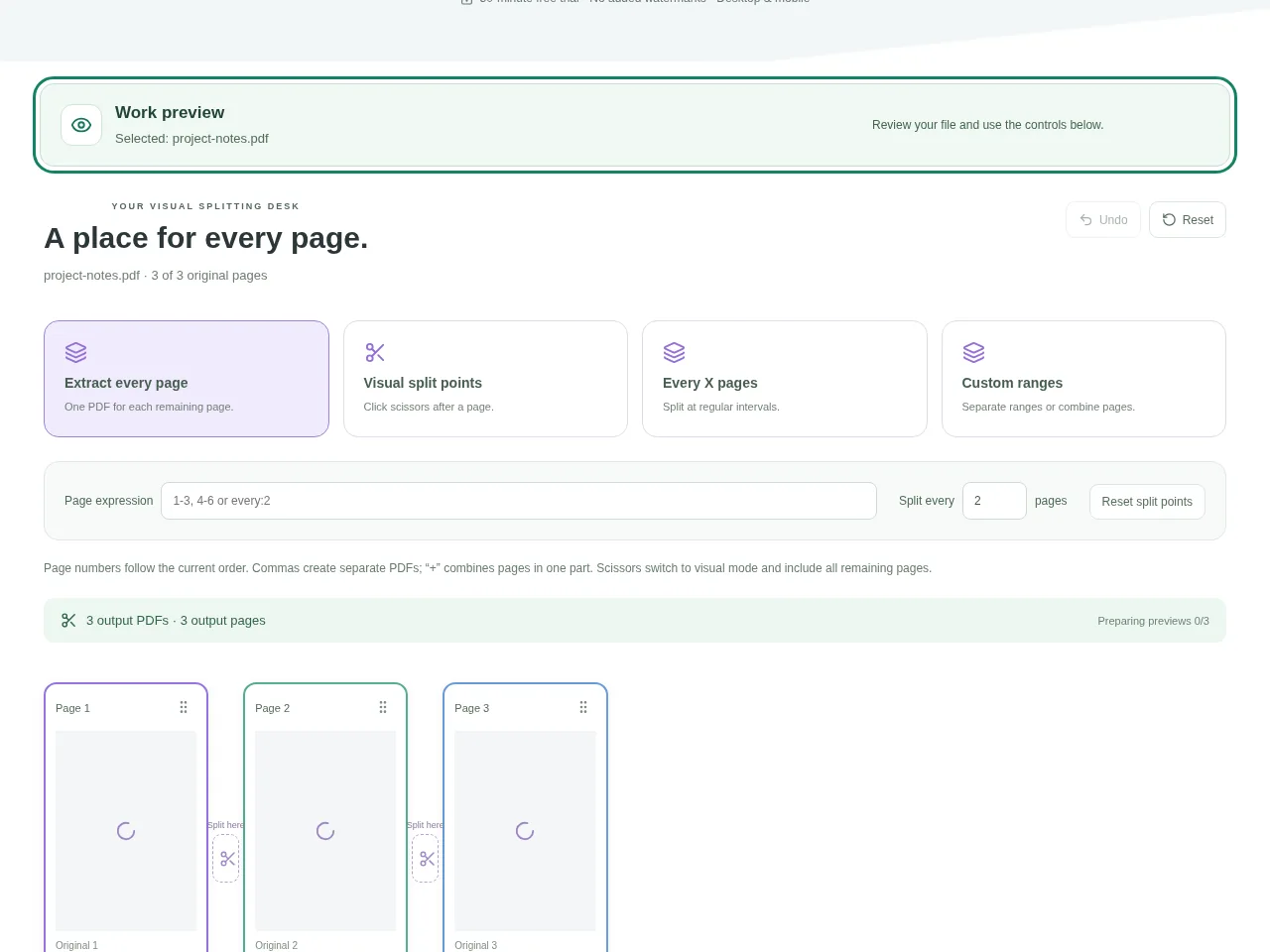
- For one PDF per page, choose the individual-page option.
- For chapters, place a scissors break after each section. The colored part labels show the proposed output.
- For equal groups, enter how many pages belong in each part.
- For custom ranges, follow the example shown beside the range field: commas make separate PDFs, while + joins selections within one part. Create the split files when the labels look right.
 View full size
3. Check before you share
- Open each part and confirm its first and last page.
- Make sure a page has not been left out or included in the wrong part.
- Download parts individually or collect them in the ZIP.
File limits and first-use notes
350 MB. 150 pages. 150 output PDFs / 450 output pages / 350 MB combined output.
Questions you may have
Can I put non-adjacent pages in the same part?
Yes. Use the custom range syntax shown by the tool and + to combine selections inside one output part.
Does splitting make a heavy picture page smaller?
Not by itself. It reduces the number of pages in each file. A single heavy page may still need compression.


