
How to fix sideways pages in a PDF
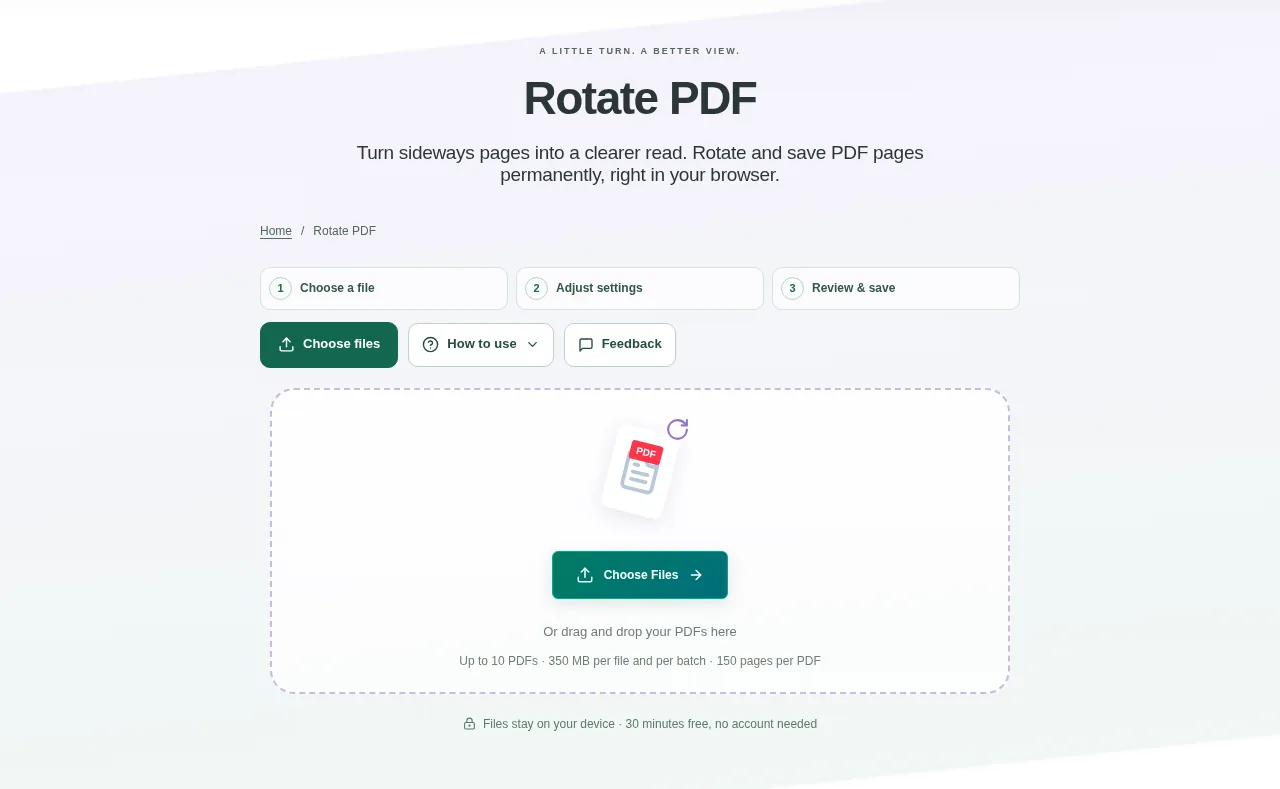
Add your PDFs and select a file to see its page thumbnails. Find the pages whose writing is on its side or upside down. Prepare the rotated files and save them individually or together in a ZIP.
 View full size
One sideways scan does not mean the whole document needs rebuilding. Rotate PDF lets you turn selected pages while keeping the others as they are. It is also useful for a batch of documents from the same scanner.
1. Open your file
Add your PDFs and select a file to see its page thumbnails. Find the pages whose writing is on its side or upside down.
2. Work through the settings
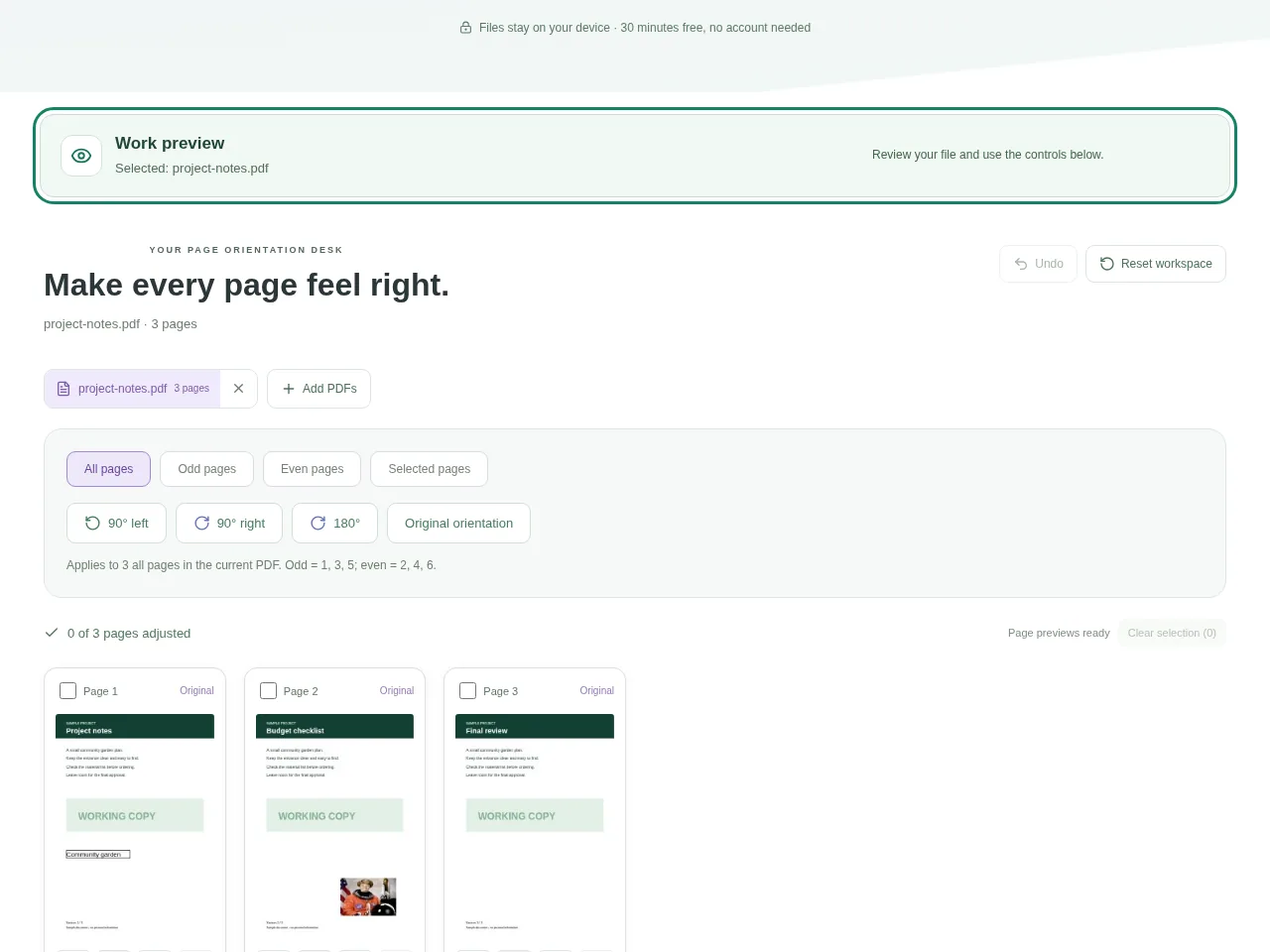
- Choose All, Odd, Even or Selected pages. Odd means pages 1, 3, 5 and so on.
- Turn the selection 90° right, 90° left or 180°. Use a single page control when only one page needs attention.
- Compare pages before and after the turn. Undo or restore the original orientation if needed.
- Prepare the rotated files and save them individually or together in a ZIP.
 View full size
3. Check before you share
- Read the top line of each changed page.
- Check that an already-correct page was not included in the selection.
- Reopen the saved PDF: the rotation should remain in the download.
File limits and first-use notes
350 MB per file / combined. 10 PDFs. 150 pages each. Edits invalidate digital signatures.
Questions you may have
Does rotation make the words look mirrored?
No. Rotation turns the page. Flip PDF makes a reflection, which can reverse the writing.
Will text and links remain native?
The rotation workflow retains native text, graphics, links and editable fields. Still check the saved file in the viewer you will use.


