
How to remove comments and highlights from a PDF
Choose the PDF and inspect the marks. A highlight made by a PDF annotation is different from a colored patch already printed into a scanned page. Open the output and inspect both the cleaned pages and any form or link you meant to retain.
 View full size
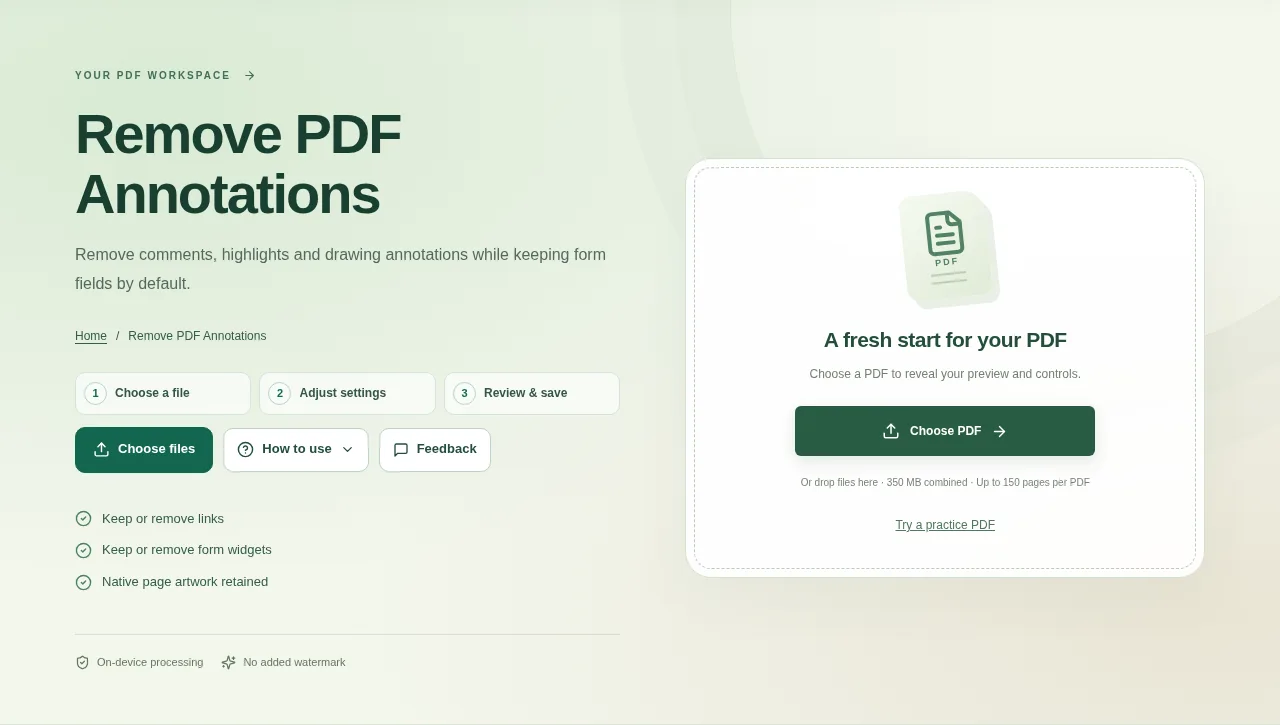
A review copy may contain sticky notes, highlights and drawing annotations that you no longer want to share. Remove PDF Annotations targets those separate annotation objects while keeping ordinary page artwork.
1. Open your file
Choose the PDF and inspect the marks. A highlight made by a PDF annotation is different from a colored patch already printed into a scanned page.
2. Work through the settings
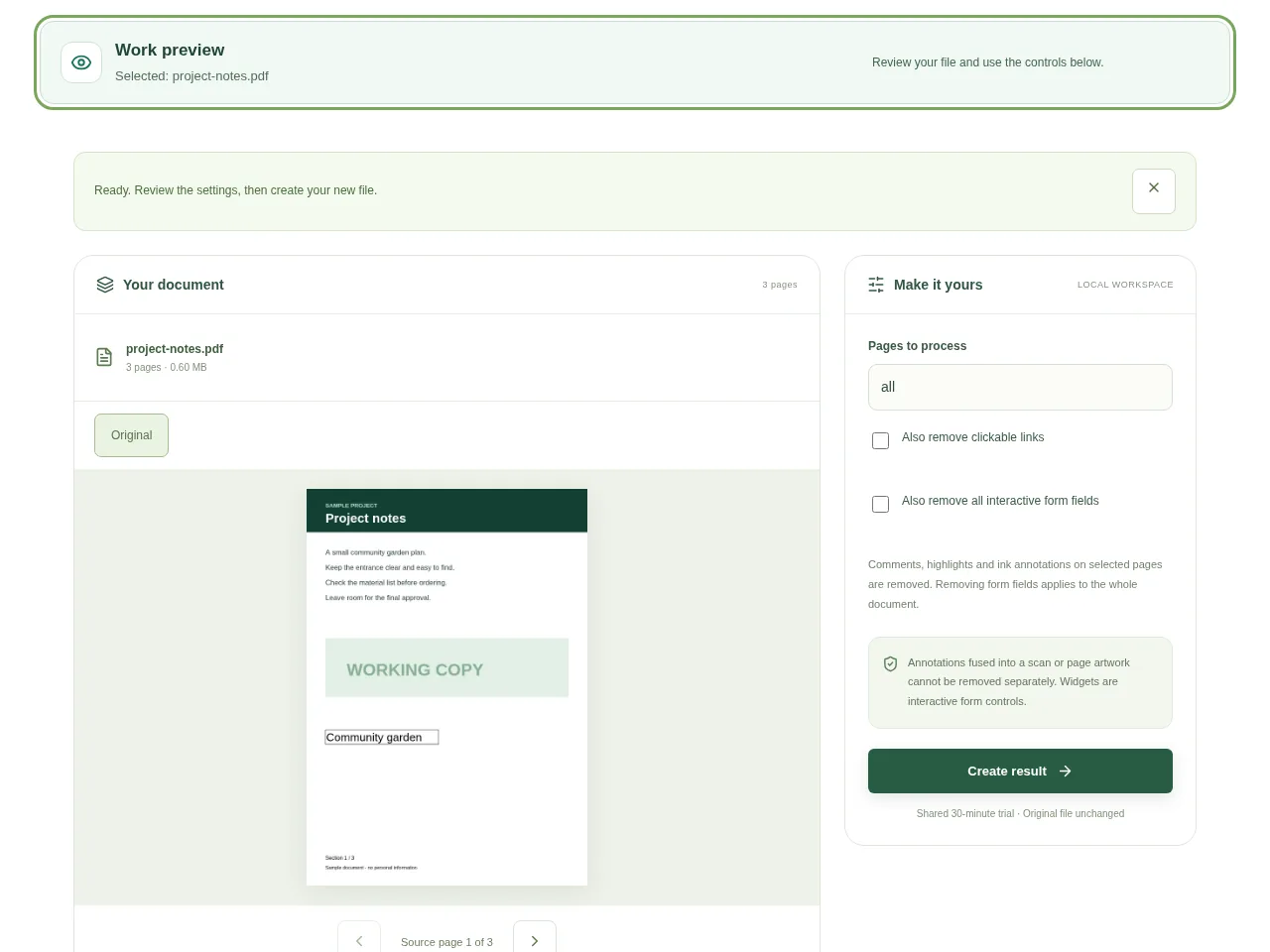
- Keep links and form widgets if they are still useful. Widgets are the clickable controls of a PDF form.
- Choose to remove those items only when you actually want them gone.
- Create the result after checking the available options.
- Open the output and inspect both the cleaned pages and any form or link you meant to retain.
 View full size
3. Check before you share
- Check a former sticky note or highlight location.
- Try a retained link and a form field.
- Keep the annotated original if you may need the reviewer’s comments later.
File limits and first-use notes
The file budget is 350 MB, with up to 150 pages per source PDF. Annotations fused into a scan or page artwork cannot be removed separately. Widgets are interactive form controls.
Questions you may have
Why did a highlighted area stay visible?
It may be part of the page image or native artwork rather than an annotation.
Will it remove the typed text on a normal PDF page?
Ordinary native page text is not the target. The options control annotation types, links and form widgets.


