
How to copy a PDF into a plain text file
Open the PDF and choose the pages you need. If you cannot select any words in a normal PDF viewer, the source may be a scan. Download the text file and open it in a text editor that supports UTF-8.
 View full size
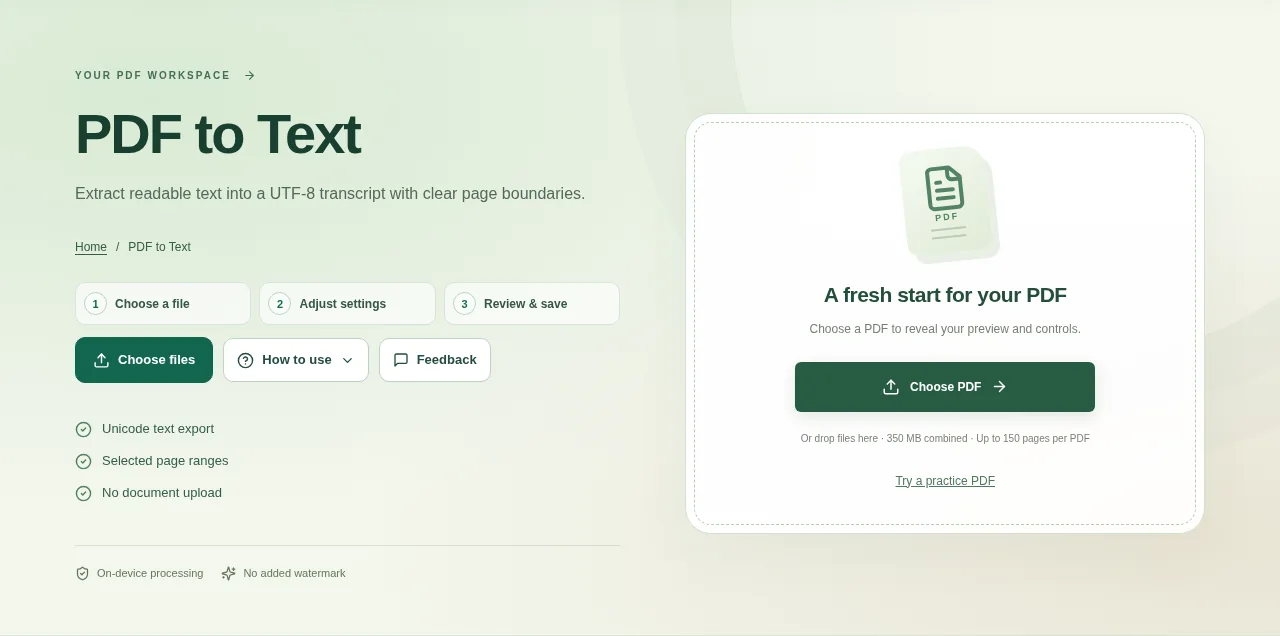
PDF to Text is useful when you need the words without the page design: a transcript, a quick search or text to reuse in another document. It extracts readable PDF text into a UTF-8 file.
1. Open your file
Open the PDF and choose the pages you need. If you cannot select any words in a normal PDF viewer, the source may be a scan.
2. Work through the settings
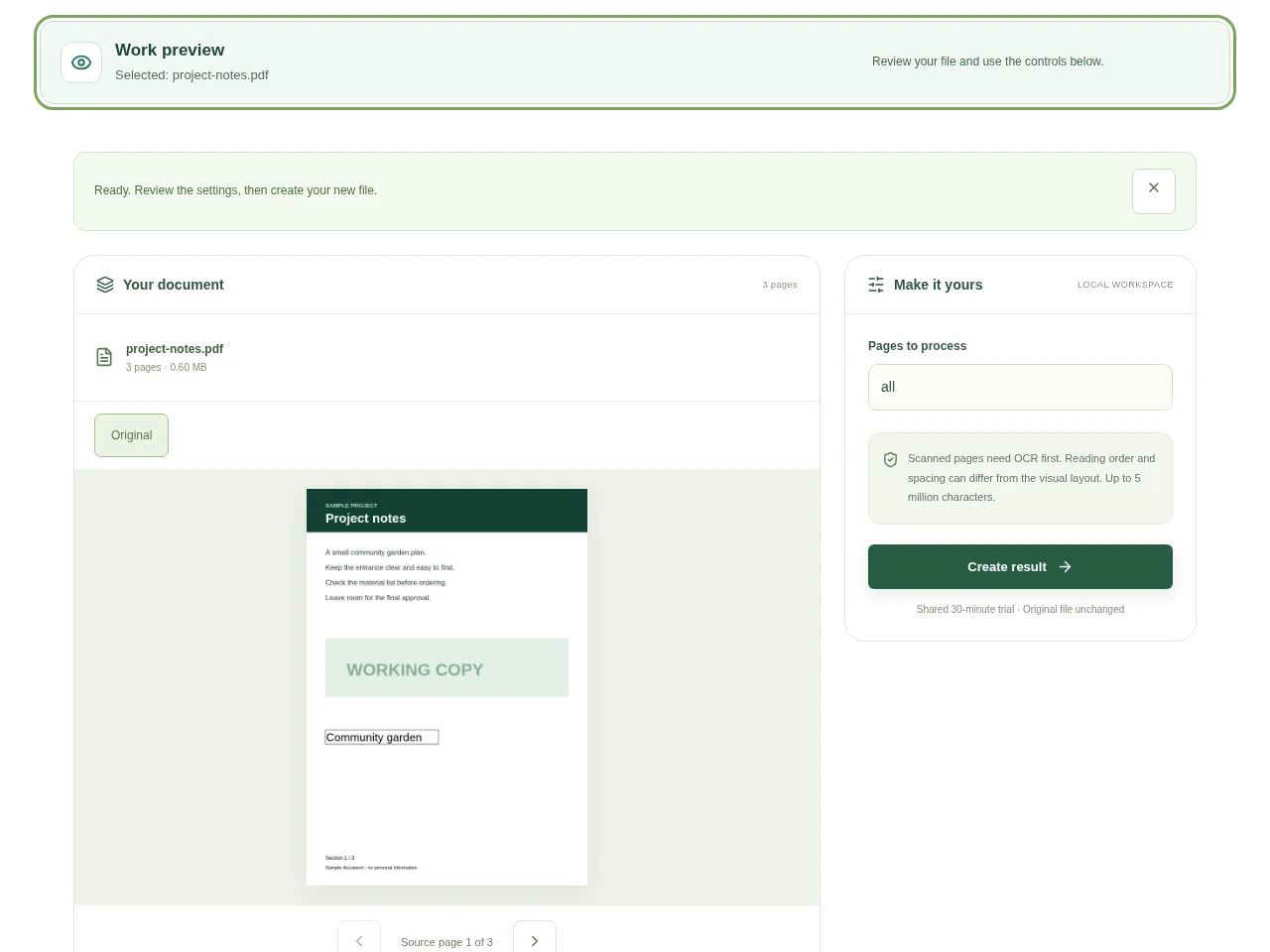
- Set the page range rather than extracting a large document by default.
- Create the result and read the transcript preview.
- Check headings, paragraph order and any multi-column pages. PDF text order does not always follow the visual layout.
- Download the text file and open it in a text editor that supports UTF-8.
 View full size
3. Check before you share
- Compare a few names and numbers against the PDF.
- Look for missing sections or repeated headers.
- Check Bengali and other Unicode characters in the app where you will use the transcript.
File limits and first-use notes
The file budget is 350 MB, with up to 150 pages per source PDF. Scanned pages need OCR first. Reading order and spacing can differ from the visual layout. Up to 5 million characters.
Questions you may have
Will the text file keep tables and page design?
No. It is a plain transcript. Spacing and reading order may need manual cleanup.
Why is the result empty for some pages?
Those pages may contain only images, or their text encoding may not be readable. OCR may help with image-only pages.


