
How to turn PDF pages into PowerPoint slides
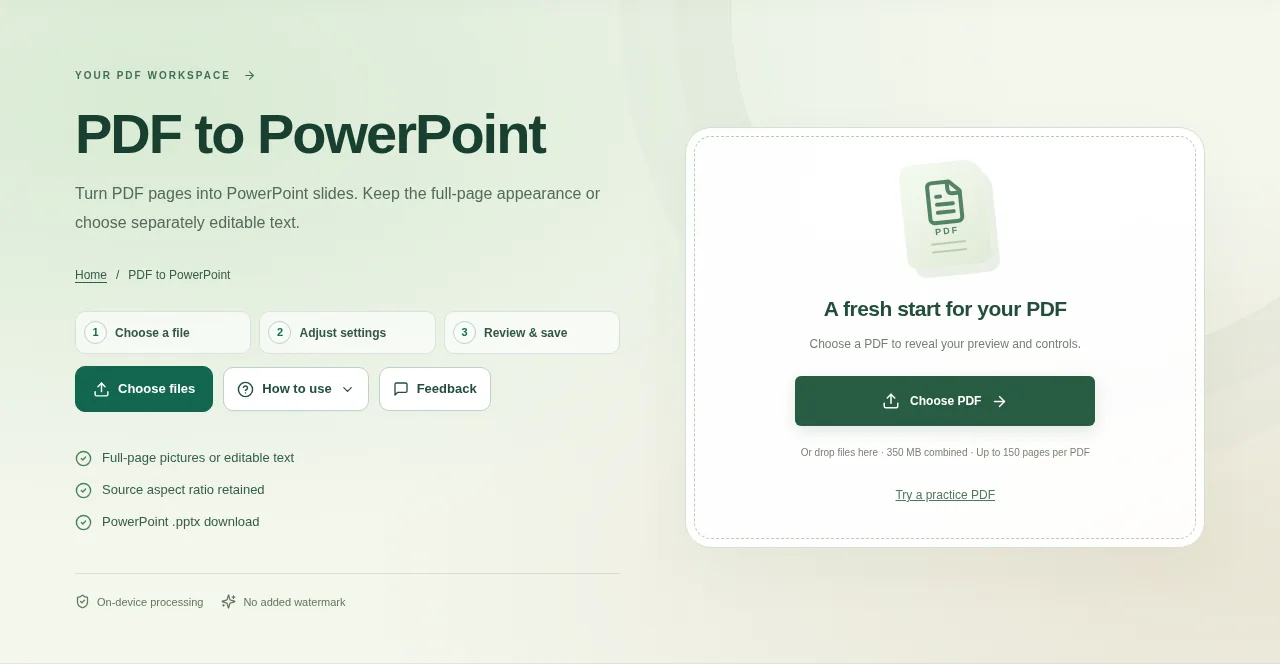
Choose the PDF in PDF to PowerPoint and review the pages. Pick the slide-content mode before creating the presentation. Use Create result, download the PPTX and open it in PowerPoint or another compatible presentation app.
 View full size
A PDF page can become a slide when you need to present it. Decide first whether the slide should keep the page’s appearance or contain text you can edit separately. Those are different conversion goals.
1. Open your file
Choose the PDF in PDF to PowerPoint and review the pages. Pick the slide-content mode before creating the presentation.
2. Work through the settings
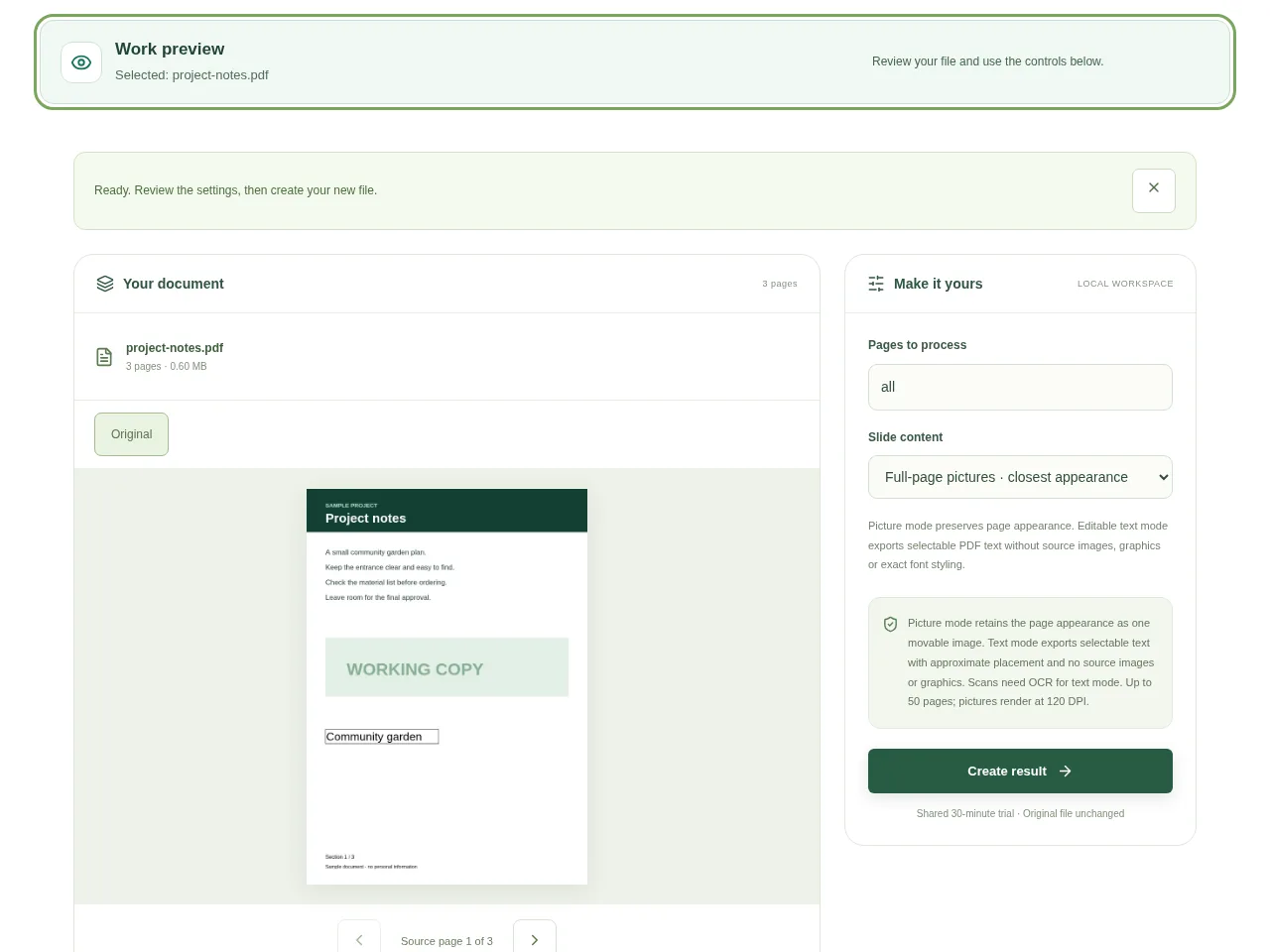
- Choose full-page pictures to keep the page appearance as a movable image on each slide.
- Choose editable text when separate text matters more than the original artwork. Text placement is approximate, and that mode does not carry over source images or graphics.
- Review the selected pages and keep the batch within the 50-page conversion limit.
- Use Create result, download the PPTX and open it in PowerPoint or another compatible presentation app.
 View full size
3. Check before you share
- Check slide proportions against the PDF pages.
- Zoom into picture slides to see whether small text is sharp enough.
- In text mode, inspect reading order and spacing before presenting.
File limits and first-use notes
The file budget is 350 MB, with up to 150 pages per source PDF. Picture mode retains the page appearance as one movable image. Text mode exports selectable text with approximate placement and no source images or graphics. Scans need OCR for text mode. Up to 50 pages; pictures render at 120 DPI.
Questions you may have
Which mode should I use for an existing page design?
Start with picture mode. The whole page is placed on the slide as one image, so the layout is easier to retain.
Can I edit text after choosing picture mode?
Not as separate original text boxes. Choose editable text mode for that purpose and be prepared to tidy its approximate layout.


