
How to reorder PDF pages without losing your place
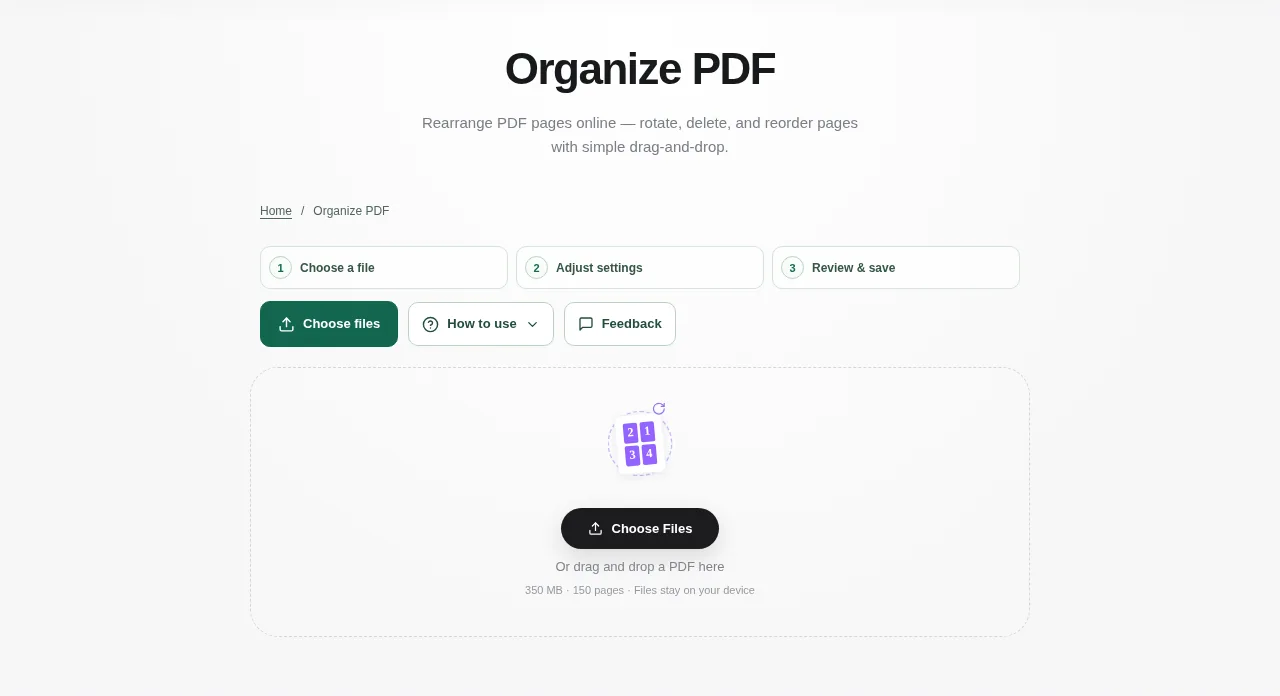
Open one unlocked PDF in Organize PDF. Scan through the thumbnails first and note which pages need to move, turn or go. When the order is right, save the organized PDF. Keep at least one page in the document.
 View full size
An application pack is easier to check when the cover, form and supporting pages follow a clear order. Organize PDF puts the pages in front of you as thumbnails, so you can move them before saving a new copy.
1. Open your file
Open one unlocked PDF in Organize PDF. Scan through the thumbnails first and note which pages need to move, turn or go.
2. Work through the settings
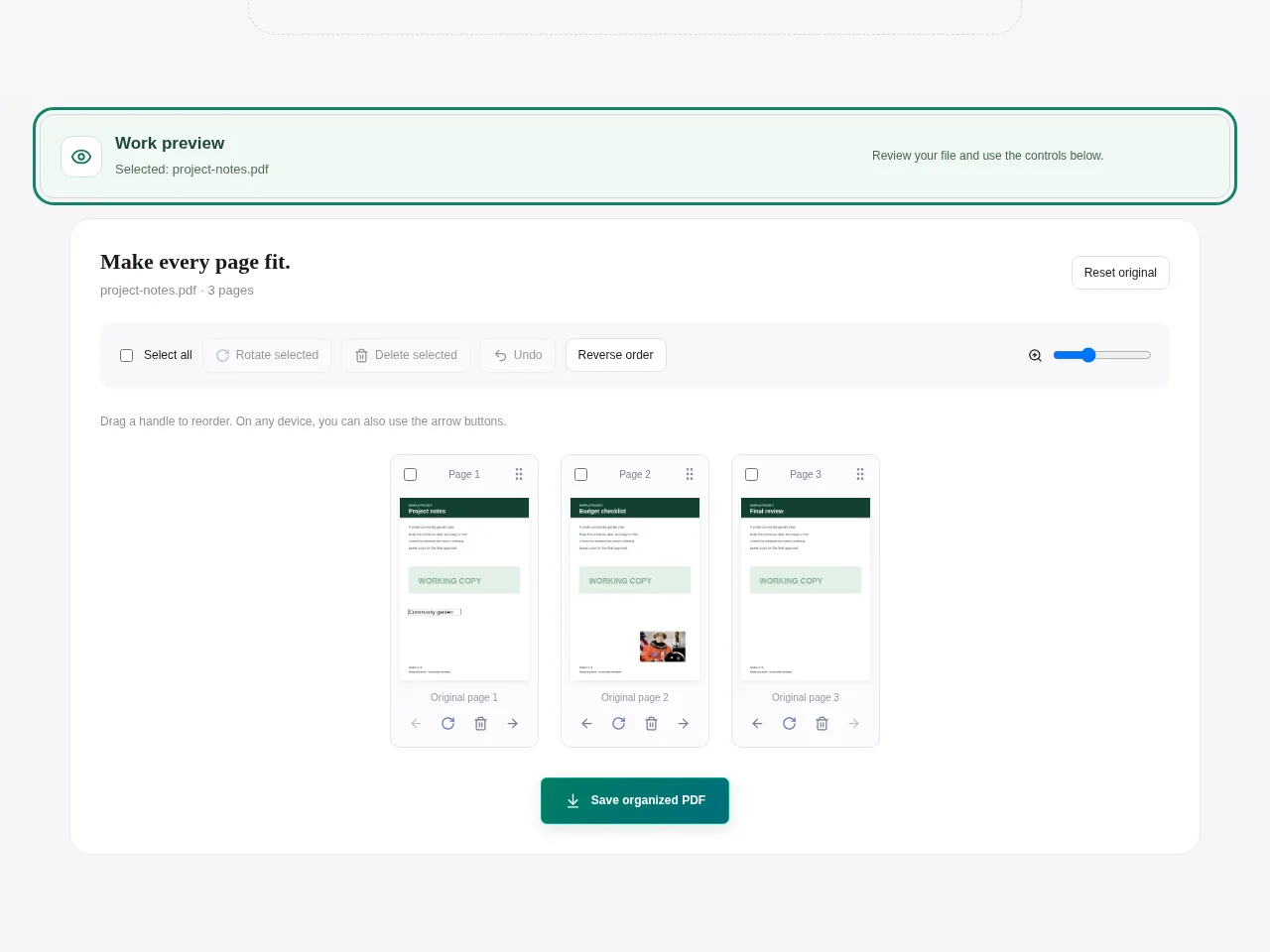
- Use the drag handle to move a page, or use the earlier and later controls for a more deliberate change.
- On a touch screen, use the handles rather than dragging the page artwork itself.
- Select pages to rotate or delete. Use Undo if you move the wrong one.
- When the order is right, save the organized PDF. Keep at least one page in the document.
 View full size
3. Check before you share
- Check page numbers printed inside the document as well as the new order.
- Look at the first and last thumbnail after a move.
- Reopen the download and confirm the result before continuing into another tool.
File limits and first-use notes
350 MB. 150 pages. Keep at least one page.
Questions you may have
Can I move a page without a mouse?
Yes. The earlier and later controls let you change page order without a drag gesture.
Can I undo an accidental move?
Yes. Use Undo while the workspace is still open. Keep the original file too, particularly before a larger set of changes.


