
How to make a scanned PDF searchable with OCR
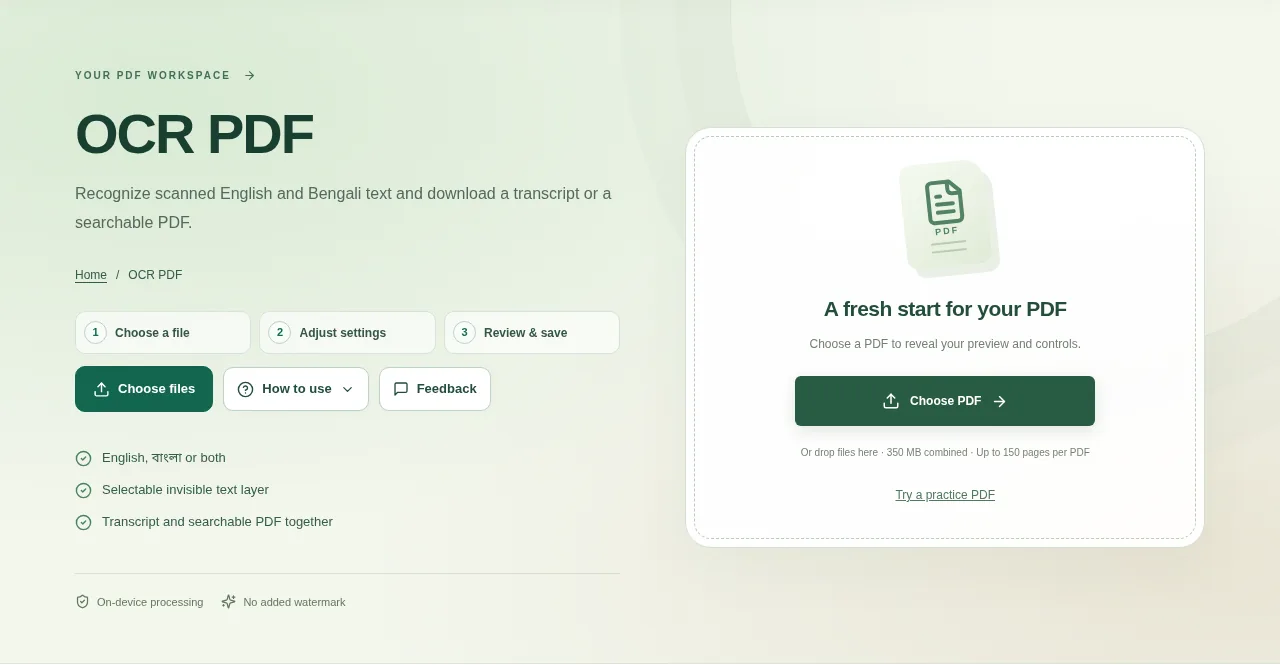
Choose a clear scan in OCR PDF. Select only the pages you need for this run, up to ten, so you can review the results without waiting on the whole document. Save the transcript or searchable PDF, then try selecting or searching a word in the saved document.
 View full size
A scan can look perfectly readable and still contain no selectable words. OCR PDF recognizes English, Bengali or both, then offers a text transcript and a searchable PDF with an invisible text layer.
1. Open your file
Choose a clear scan in OCR PDF. Select only the pages you need for this run, up to ten, so you can review the results without waiting on the whole document.
2. Work through the settings
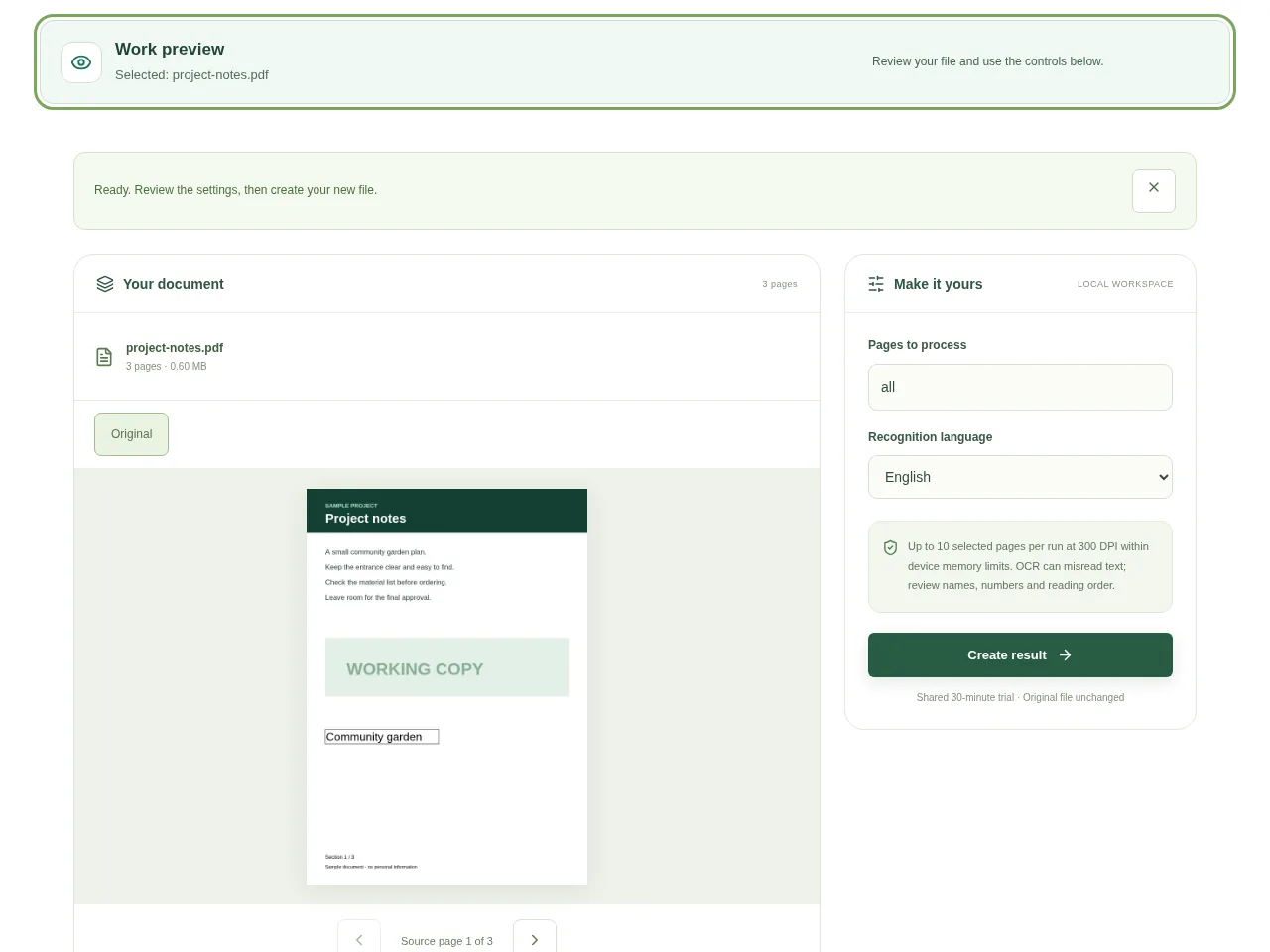
- Choose English, Bengali or both according to the page. Selecting an unnecessary language can make recognition less predictable.
- Start recognition and keep the tab open while the local engine and language files load on first use.
- Read the transcript beside the original, especially names, dates, amounts and small print.
- Save the transcript or searchable PDF, then try selecting or searching a word in the saved document.
 View full size
3. Check before you share
- Compare a few lines from different parts of the page.
- Check reading order in columns and tables.
- Confirm important numbers against the visible scan rather than trusting OCR alone.
File limits and first-use notes
The file budget is 350 MB, with up to 150 pages per source PDF. Up to 10 selected pages per run at 300 DPI within device memory limits. OCR can misread text; review names, numbers and reading order.
Questions you may have
Does OCR replace the scan with newly typed pages?
The searchable PDF retains the page image and adds an invisible text layer. The visible scan is still there.
Why does first use take longer?
The browser needs to download and initialize the local recognition engine and language files before it can process the pages.


