
How to put several PDF pages on one printable sheet
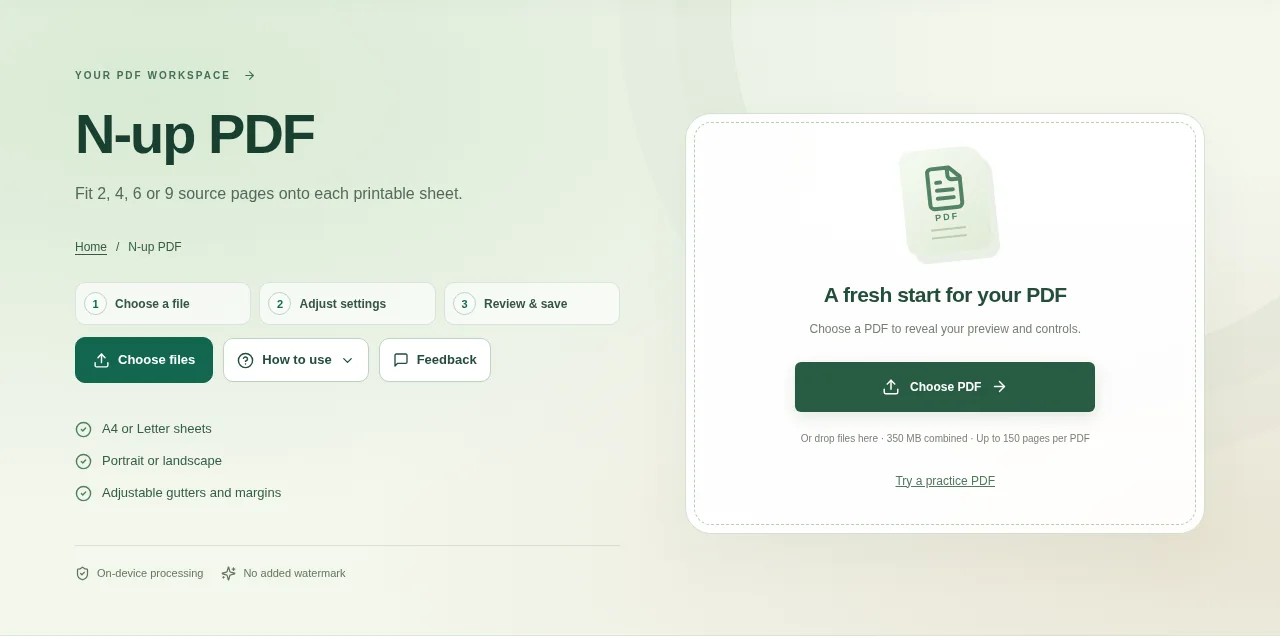
Open the PDF and decide how many source pages should appear on each sheet. Small source text needs a more generous layout. Create the PDF and inspect a full sheet before printing the whole document.
 View full size
N-up PDF is useful for handouts and paper review copies. It places several source pages onto a new sheet, so you can read or print a compact version of the document.
1. Open your file
Open the PDF and decide how many source pages should appear on each sheet. Small source text needs a more generous layout.
2. Work through the settings
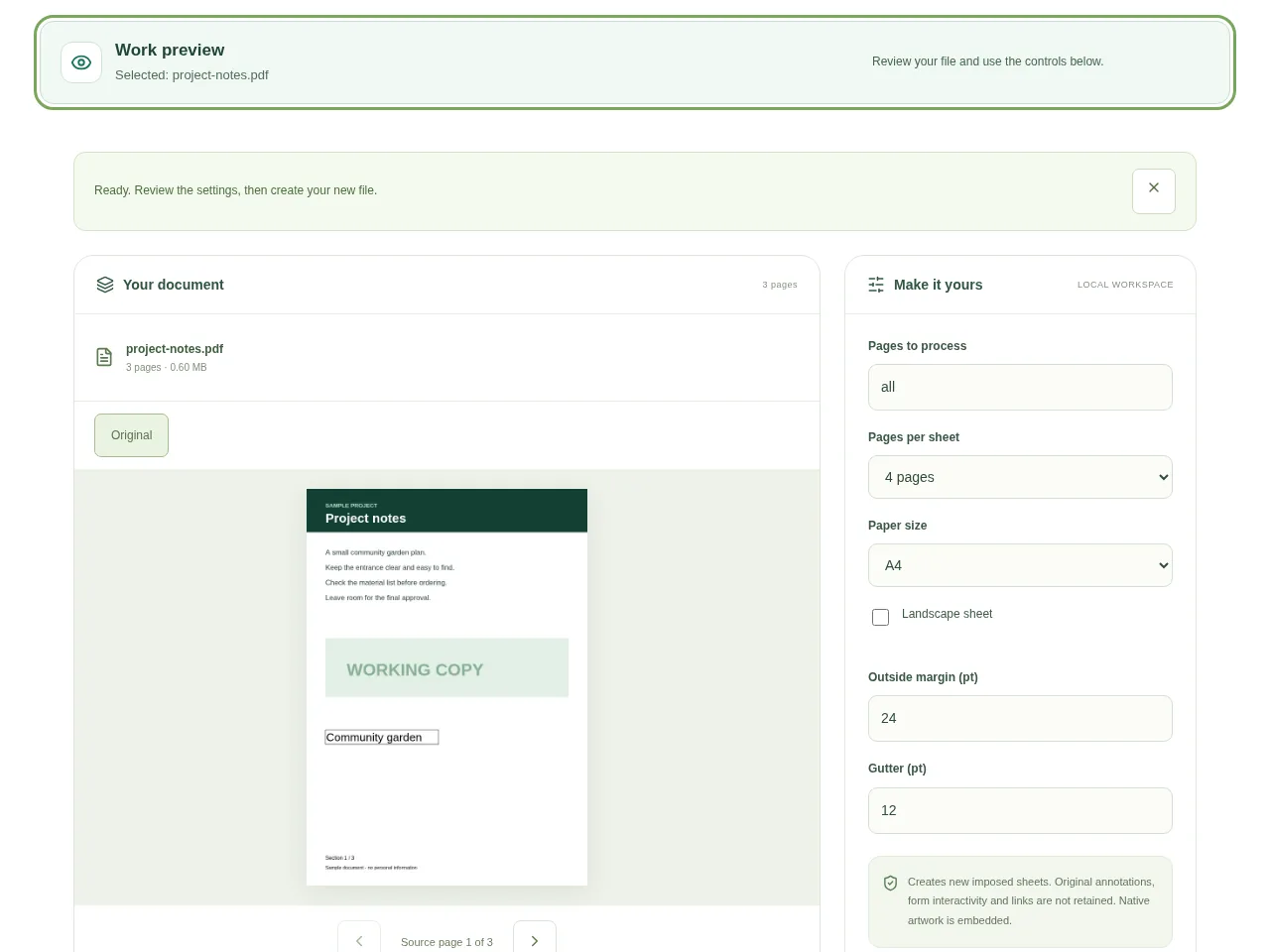
- Choose 2, 4, 6 or 9 pages per sheet. Start with fewer pages if readability matters more than saving paper.
- Choose A4 or Letter and portrait or landscape orientation.
- Adjust the margins and the gaps between page areas.
- Create the PDF and inspect a full sheet before printing the whole document.
 View full size
3. Check before you share
- Read the smallest source text at the planned print size.
- Follow the page sequence across a sheet.
- Check the last sheet if it contains fewer source pages.
File limits and first-use notes
The file budget is 350 MB, with up to 150 pages per source PDF. Creates new imposed sheets. Original annotations, form interactivity and links are not retained. Native artwork is embedded.
Questions you may have
Does this change my printer settings?
No. It creates a new PDF whose sheets already contain multiple page areas. Avoid applying another multiple-pages-per-sheet setting at print time unless you intend to shrink it again.
Which layout is easiest to read?
That depends on the source. Two or four pages per sheet is a more readable starting point for small text than six or nine.


