How to put the front and back of a card into one PDF
Add the front and back pictures in the correct order. Use clear images with all card edges visible, and share them only with the intended recipient. Create the merged PDF and inspect both sides before downloading.
 View full size
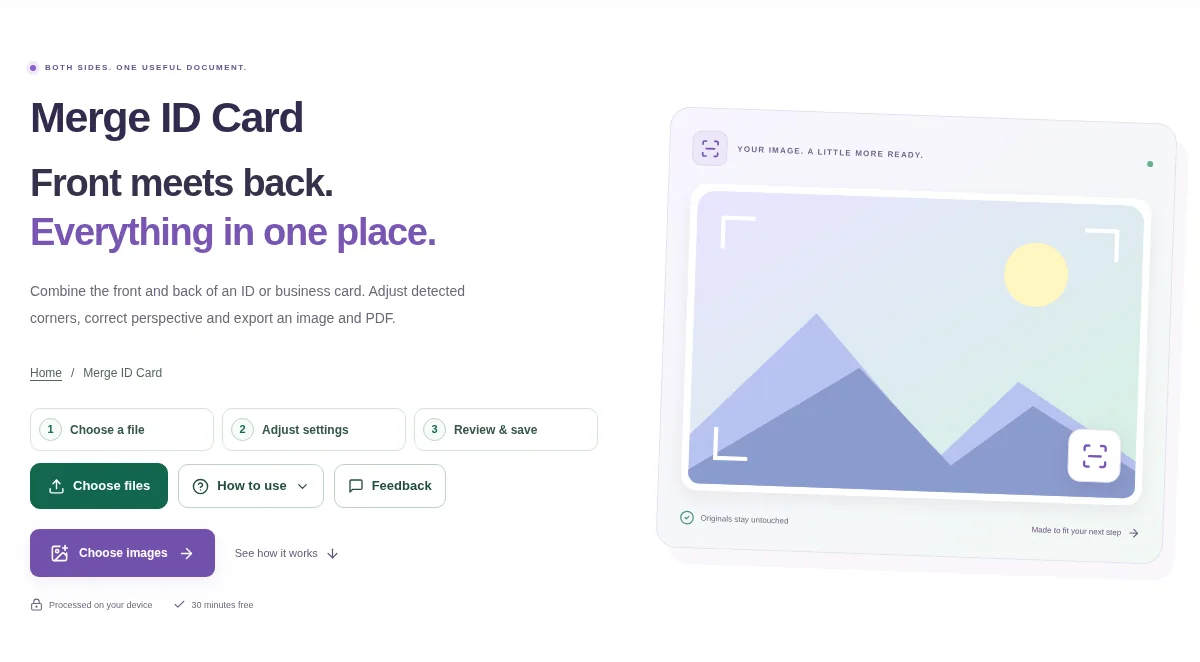
A form may ask for both sides of a card in a single attachment. Merge ID Card arranges two card images on one PDF layout, rather than leaving the recipient to open separate photos.
1. Open your file
Add the front and back pictures in the correct order. Use clear images with all card edges visible, and share them only with the intended recipient.
2. Work through the settings
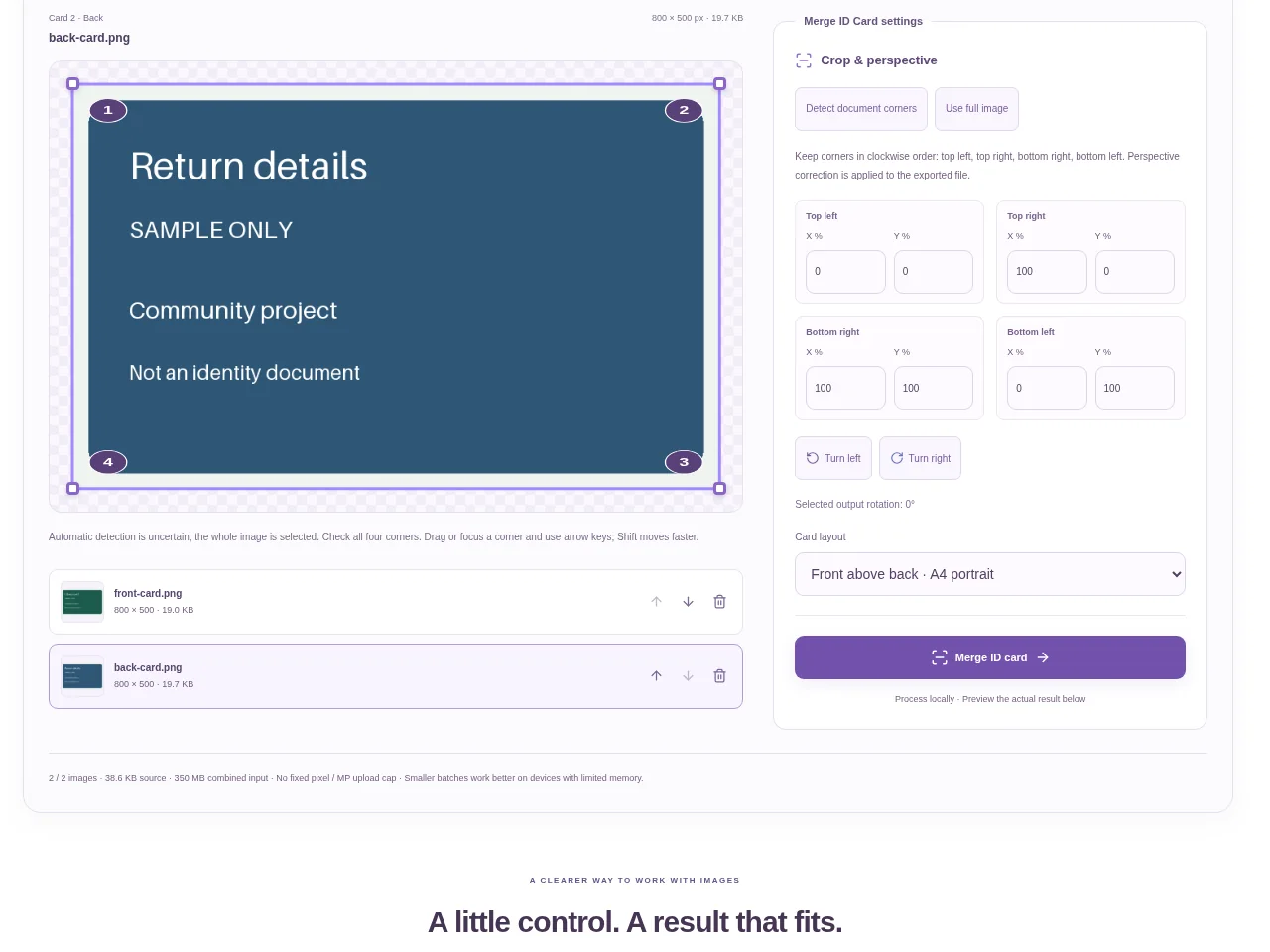
- Select each image and check the corner handles against the card edges.
- Correct perspective or framing where the photo includes extra desk space.
- Choose a side-by-side or other available layout that fits the receiving requirement.
- Create the merged PDF and inspect both sides before downloading.
 View full size
3. Check before you share
- Read the smallest text at normal zoom.
- Check that an edge, barcode or photo has not been clipped.
- Confirm the front and back are in the expected positions.
File limits and first-use notes
350 MB combined input. 2 images. No fixed pixel / MP upload cap. 350 MB output. Device memory and codec limits apply.
Questions you may have
Can this create or verify an identity card?
No. It combines pictures you provide into a document. It is not an identity verification or document-issuing service.
Why is some small text hard to read?
The source may be blurred, too small or photographed at an angle. A clearer original is usually more useful than aggressive resizing.