How to turn a photo the right way round
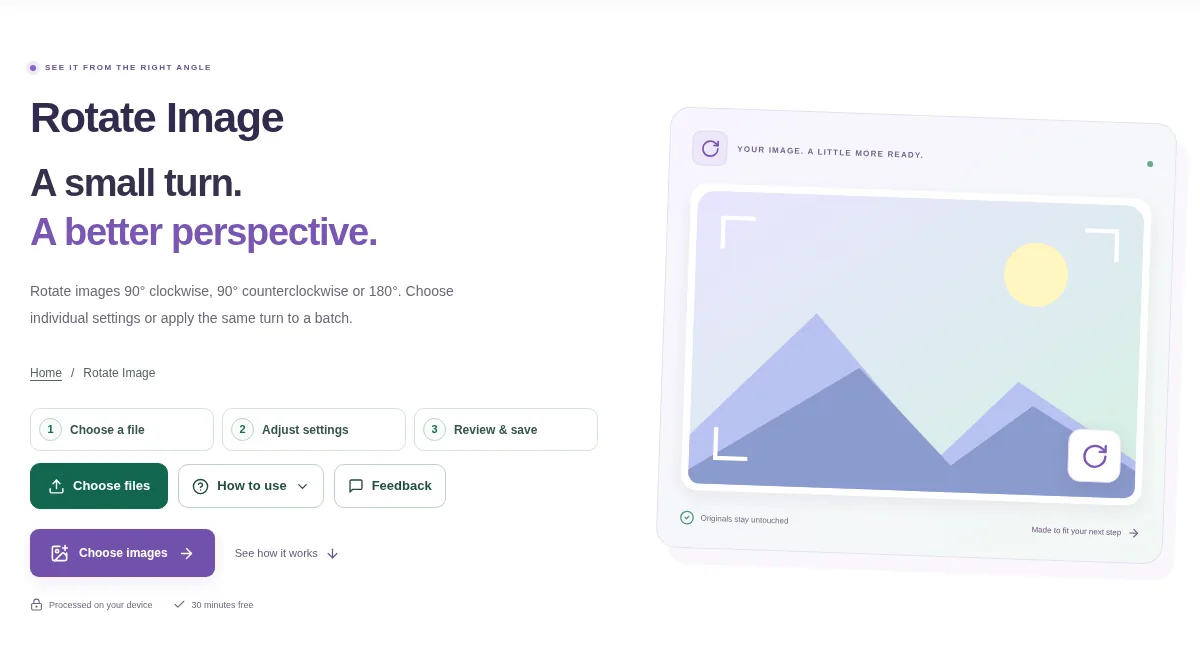
Add the pictures and select the one you want to turn. Check the top of the subject or the first line of writing to decide the direction. Process the images and download the finished copies or ZIP.
 View full size
A sideways photo is awkward to read or share, particularly when it contains a document. Rotate Image makes a correctly oriented copy instead of relying on a viewer to display it differently.
1. Open your file
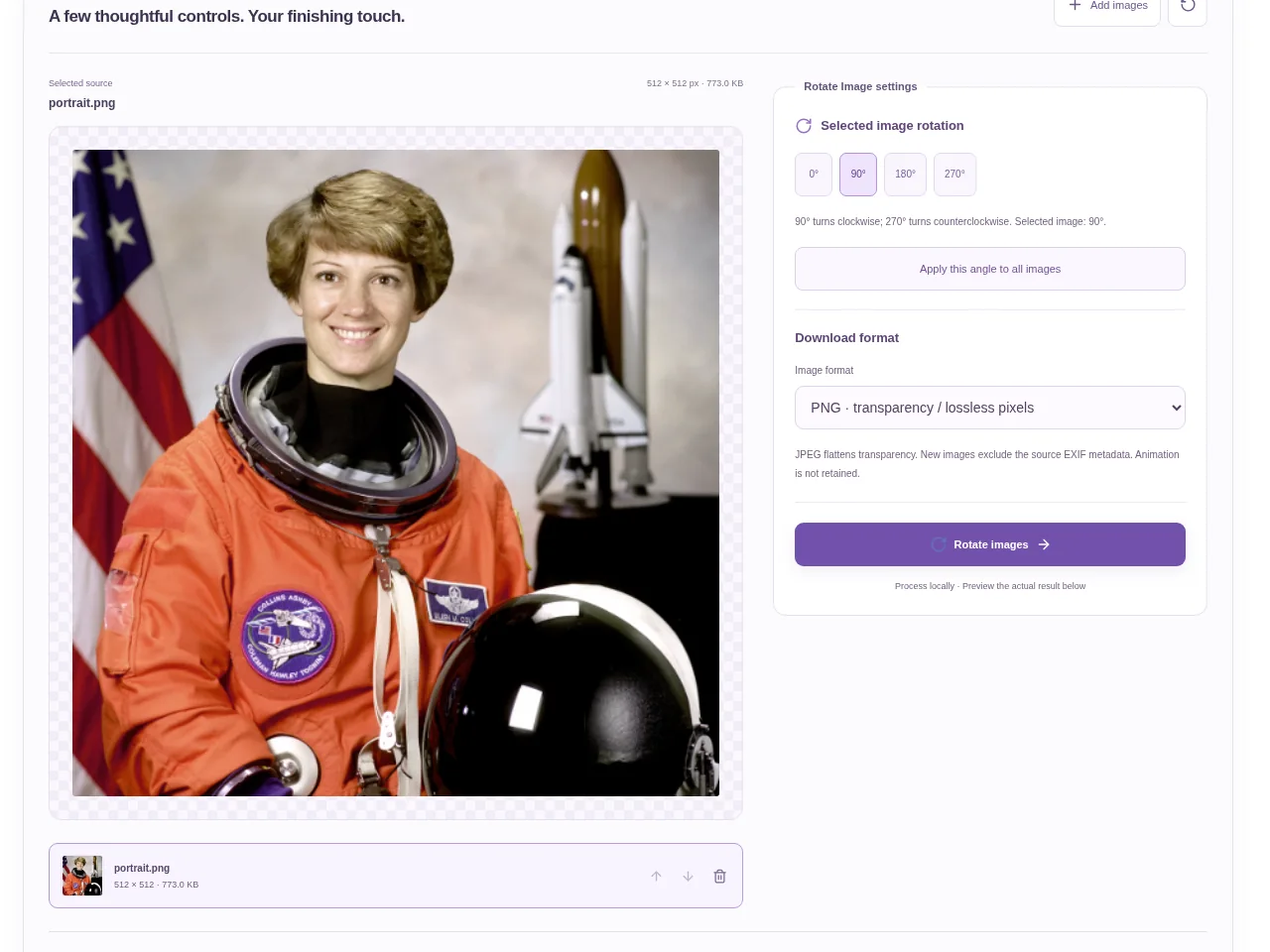
Add the pictures and select the one you want to turn. Check the top of the subject or the first line of writing to decide the direction.
2. Work through the settings
- Use the rotation controls to turn the selected image.
- Apply a shared turn only when the other pictures need the same correction.
- Inspect the preview after each change so you do not turn an already-correct picture.
- Process the images and download the finished copies or ZIP.
 View full size
3. Check before you share
- Read any writing in the saved image.
- Check the orientation of every file in a mixed batch.
- Open the output in another viewer if the source was showing inconsistent orientation.
File limits and first-use notes
350 MB combined input. 12 images. No fixed pixel / MP upload cap. 350 MB output. Device memory and codec limits apply.
Questions you may have
Will rotation reverse the words?
A normal rotation turns the picture without making a mirror reflection.
Can I correct several pictures in one batch?
Yes, within the page’s batch limits. Review which images need the turn before applying it broadly.