How to increase an image file to a minimum KB size
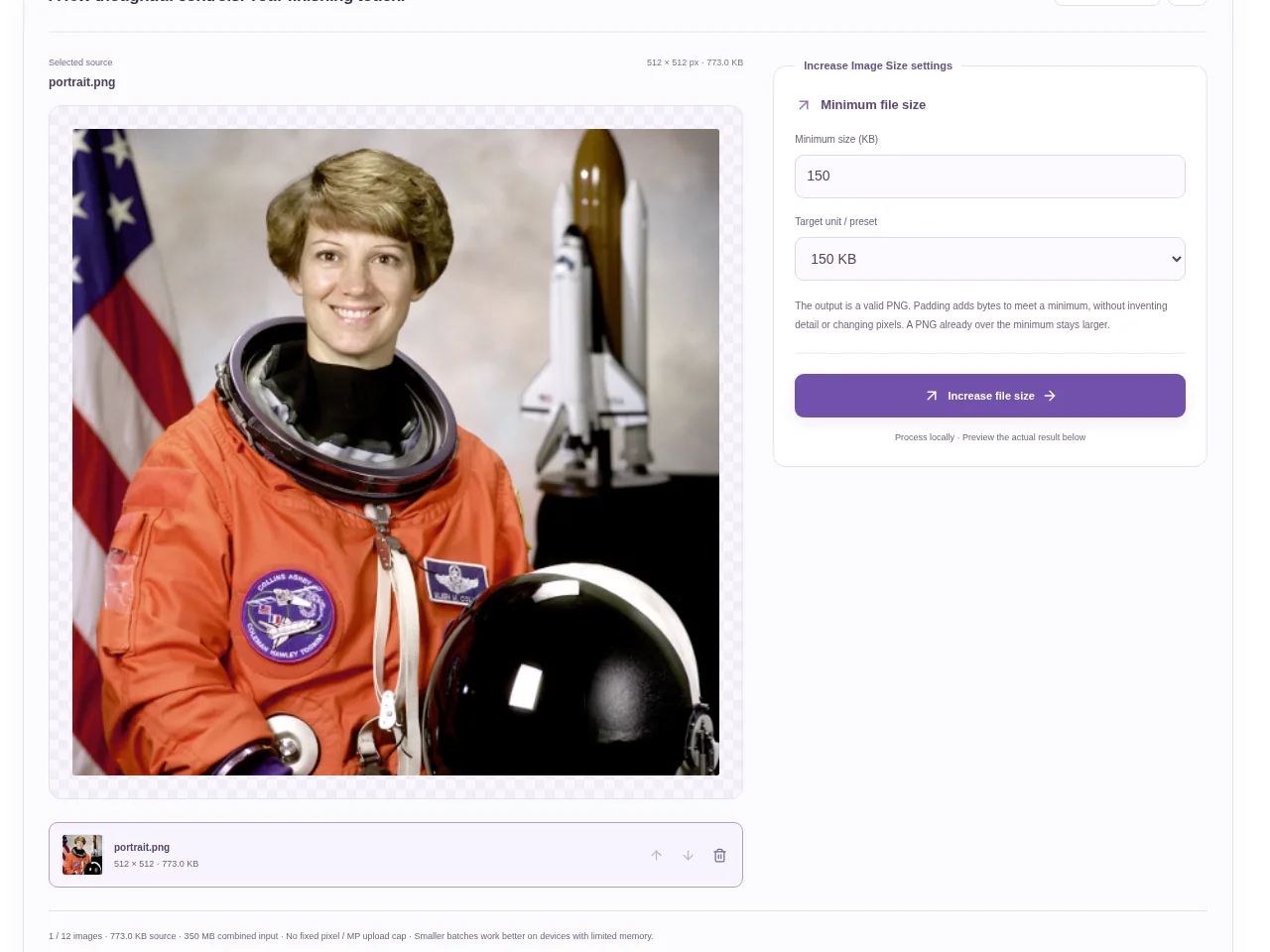
Choose the picture and enter the minimum size in KB. Use the preset if it matches the requirement, and read whether the form accepts PNG. Download the copy and verify the receiving form’s other rules before uploading it.
 View full size
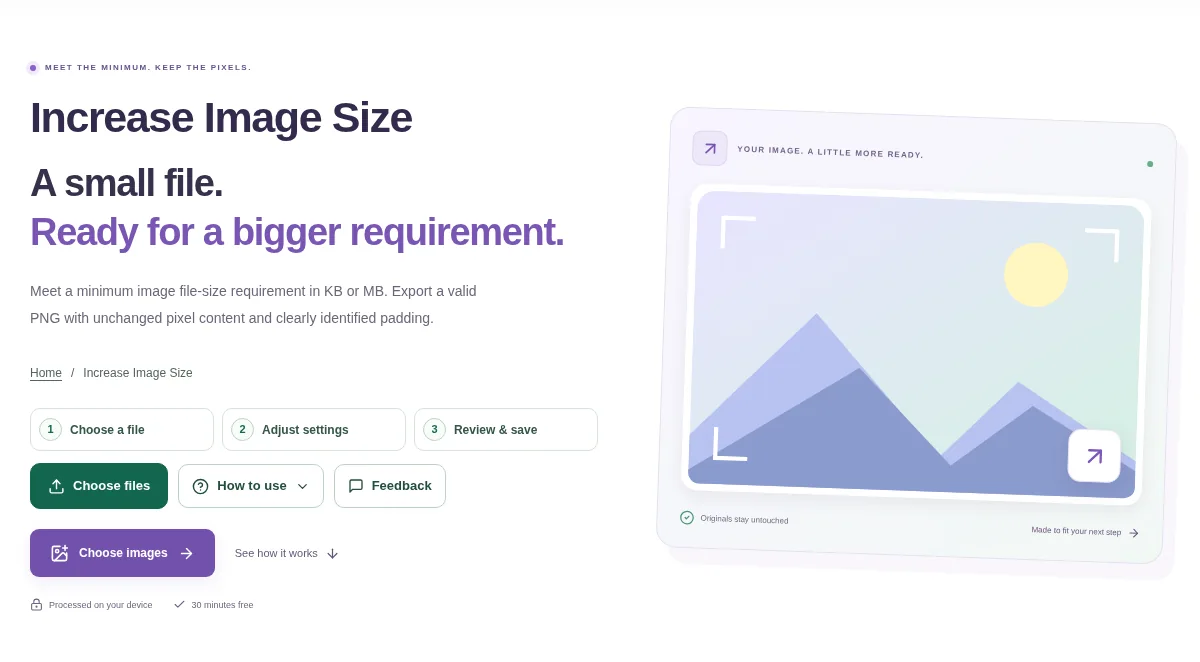
A few upload forms reject files that are smaller than a stated minimum. Increase Image Size prepares a larger PNG file for that kind of byte-size requirement. It is different from enlarging the picture’s width and height.
1. Open your file
Choose the picture and enter the minimum size in KB. Use the preset if it matches the requirement, and read whether the form accepts PNG.
2. Work through the settings
- Choose the minimum target or enter a custom value. The page uses 1 MB = 1,024 KB.
- Use Increase file size and let the tool prepare the PNG output.
- Check the actual result size rather than the source file’s original size.
- Download the copy and verify the receiving form’s other rules before uploading it.
 View full size
3. Check before you share
- Confirm that PNG is an accepted format.
- Check the actual file size in your file manager.
- Compare the picture dimensions with any separate width and height requirement.
File limits and first-use notes
350 MB combined input. 12 images. No fixed pixel / MP upload cap. 350 MB output. Device memory and codec limits apply.
Questions you may have
Will this make the picture higher resolution?
It is for a minimum file-size target. Use Resize Image or Photo Enhancer & Image Upscaler when the pixel dimensions are the issue.
Why is the output PNG?
This workflow prepares PNG output for its file-size operation. Check that the receiving service accepts PNG before using it.