
How to save the pictures inside a PDF
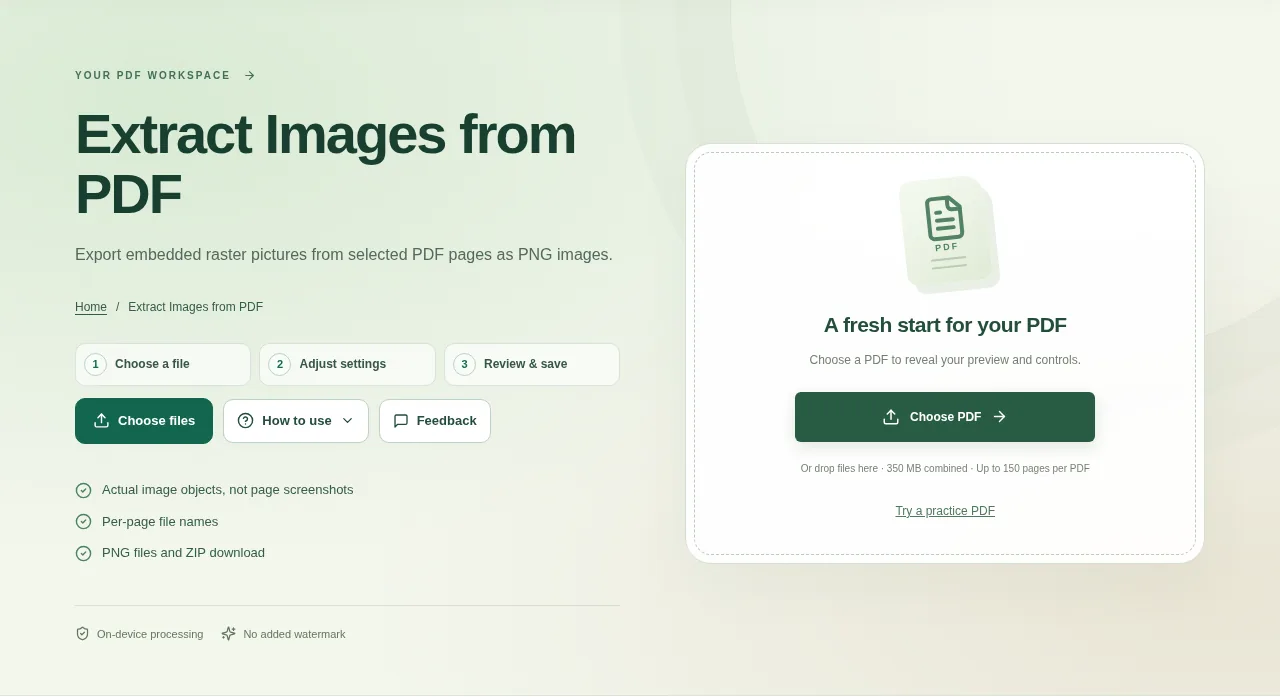
Choose the PDF and select the source pages. Start with the page that contains the picture you need. Download PNG images separately or use the ZIP for the collection.
 View full size
A PDF page may contain a photograph surrounded by text and shapes. Extract Images from PDF saves supported embedded raster pictures on their own, so you do not need to crop them out of a full-page screenshot.
1. Open your file
Choose the PDF and select the source pages. Start with the page that contains the picture you need.
2. Work through the settings
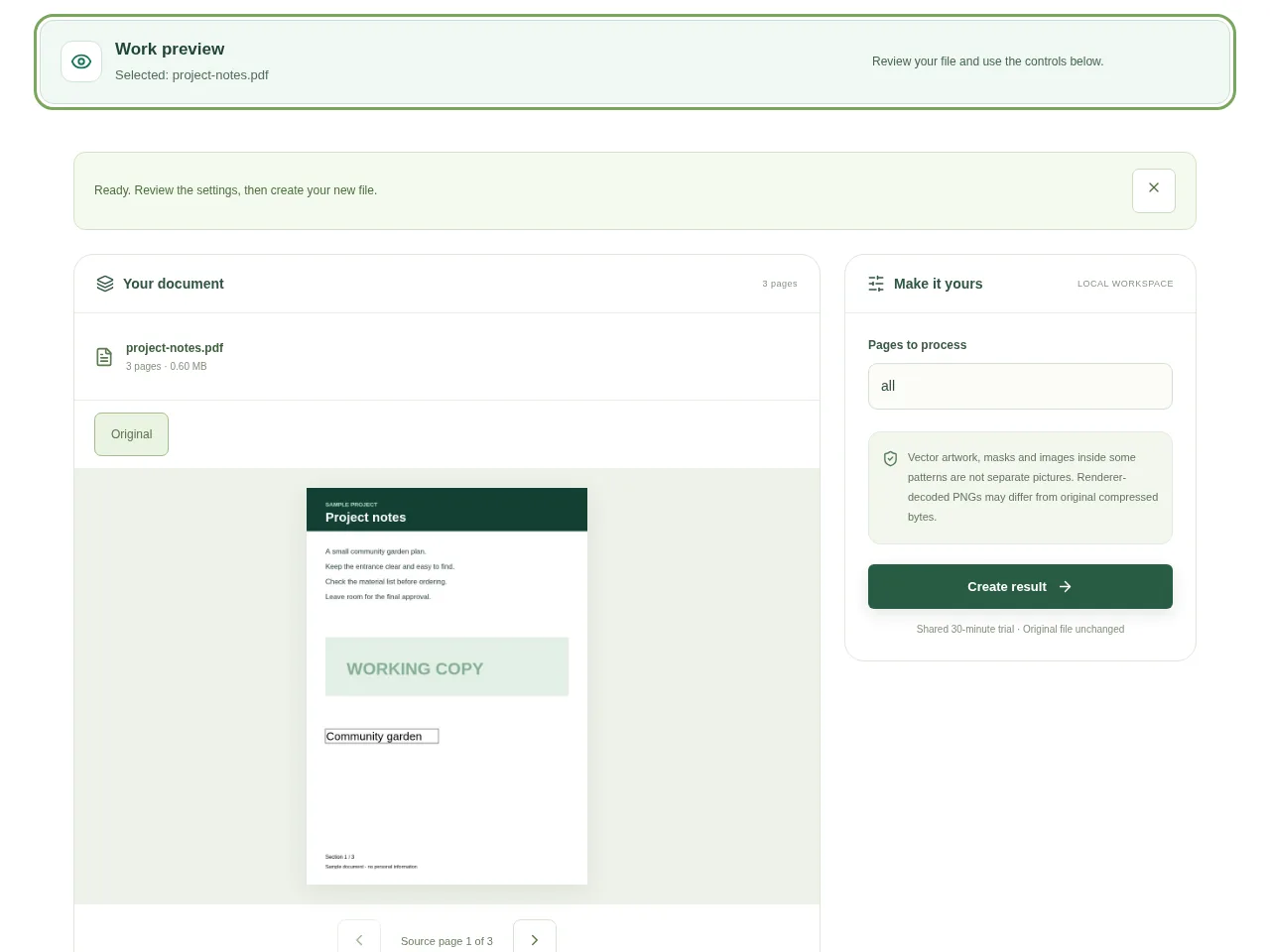
- Create the result and look through the extracted picture previews.
- Use the page-based filenames to connect each picture with its source.
- Choose the actual picture you need rather than assuming every small graphic is a photograph.
- Download PNG images separately or use the ZIP for the collection.
 View full size
3. Check before you share
- Check dimensions and image orientation.
- Look for transparency or masks that changed the visible appearance.
- Confirm you have permission to reuse a picture before publishing it elsewhere.
File limits and first-use notes
The file budget is 350 MB, with up to 150 pages per source PDF. Vector artwork, masks and images inside some patterns are not separate pictures. Renderer-decoded PNGs may differ from original compressed bytes.
Questions you may have
Why is a chart missing from the extracted pictures?
It may be vector artwork drawn directly on the page. Use PDF to Image to capture the entire visible page.
Will the PNG have the same bytes as an original JPG?
No. This workflow decodes supported image objects into PNG output. The original compressed encoding is not preserved.


