
How to change a PDF title, author and keywords
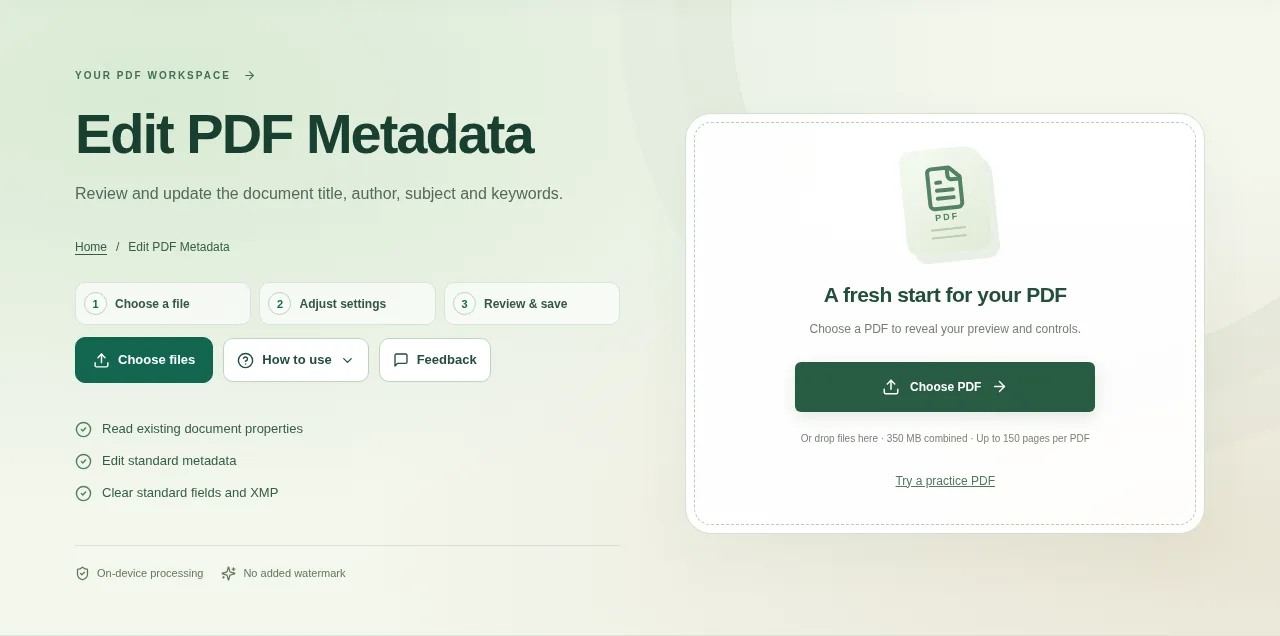
Choose the PDF and read its current properties in the workspace. Check whether you need to change the document title, the author information or simply the download filename. Open Document Properties in a PDF viewer to check the saved values.
 View full size
The file name and the PDF’s internal title are separate things. Edit PDF Metadata lets you review the standard document properties and correct them without rewriting the visible text on each page.
1. Open your file
Choose the PDF and read its current properties in the workspace. Check whether you need to change the document title, the author information or simply the download filename.
2. Work through the settings
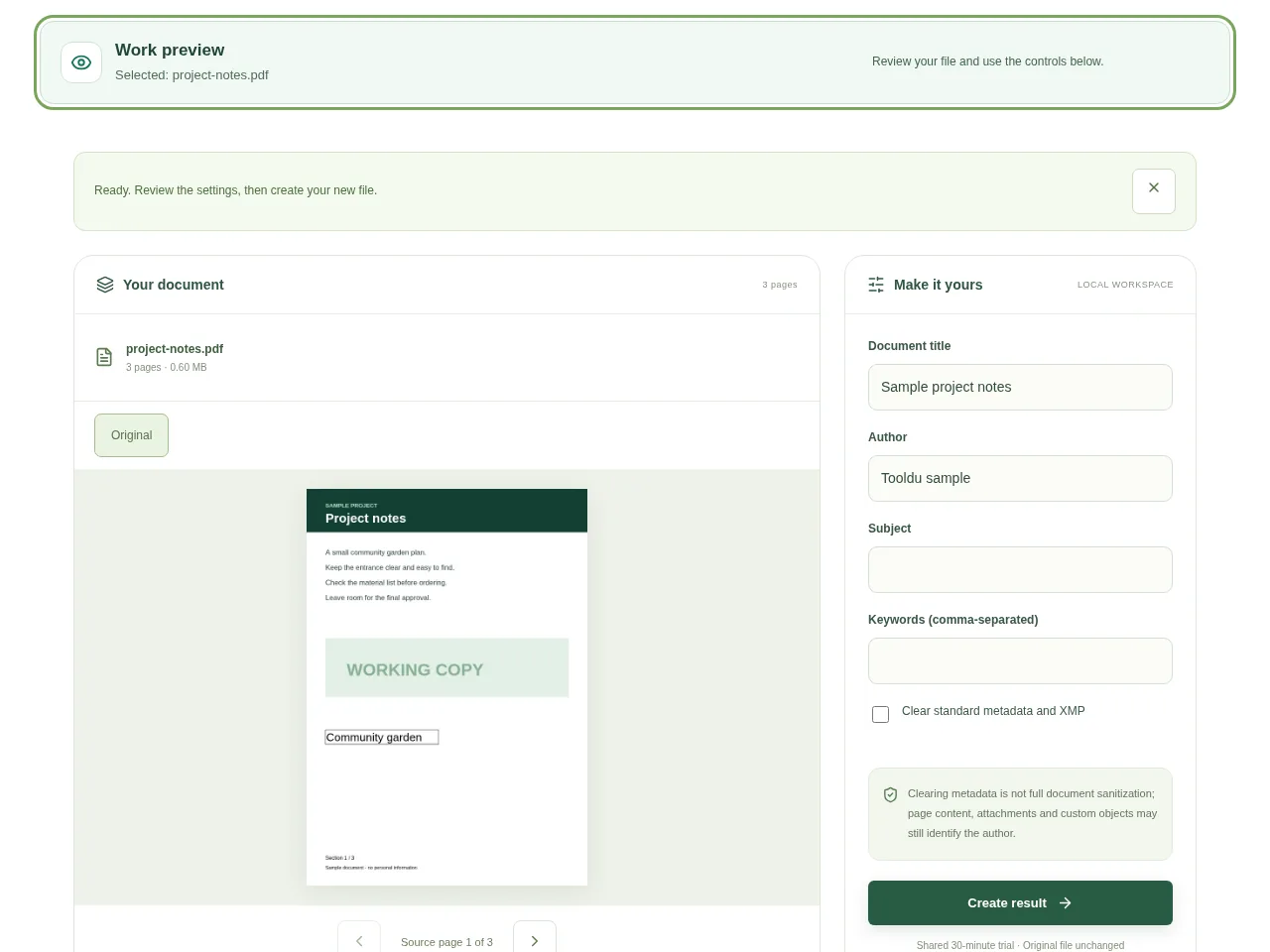
- Edit the standard title, author, subject and keyword fields that need changing.
- If you want to clear the supported standard fields and XMP, use the clearing option and review what it covers.
- Choose Create result and download a copy.
- Open Document Properties in a PDF viewer to check the saved values.
 View full size
3. Check before you share
- Check both the viewer’s title display and the actual file name.
- Look for an old author value you meant to remove.
- Keep a source copy if the metadata is part of an archival workflow.
File limits and first-use notes
The file budget is 350 MB, with up to 150 pages per source PDF. Clearing metadata is not full document sanitization; page content, attachments and custom objects may still identify the author.
Questions you may have
Will this change an author name printed on a page?
No. That is visible page content. Edit it separately if you are authorized to do so.
Can I rename the file here?
The metadata title is not the filename. Use Rename PDF when you only need a clearer download name.


