How to crop a picture without guessing the frame
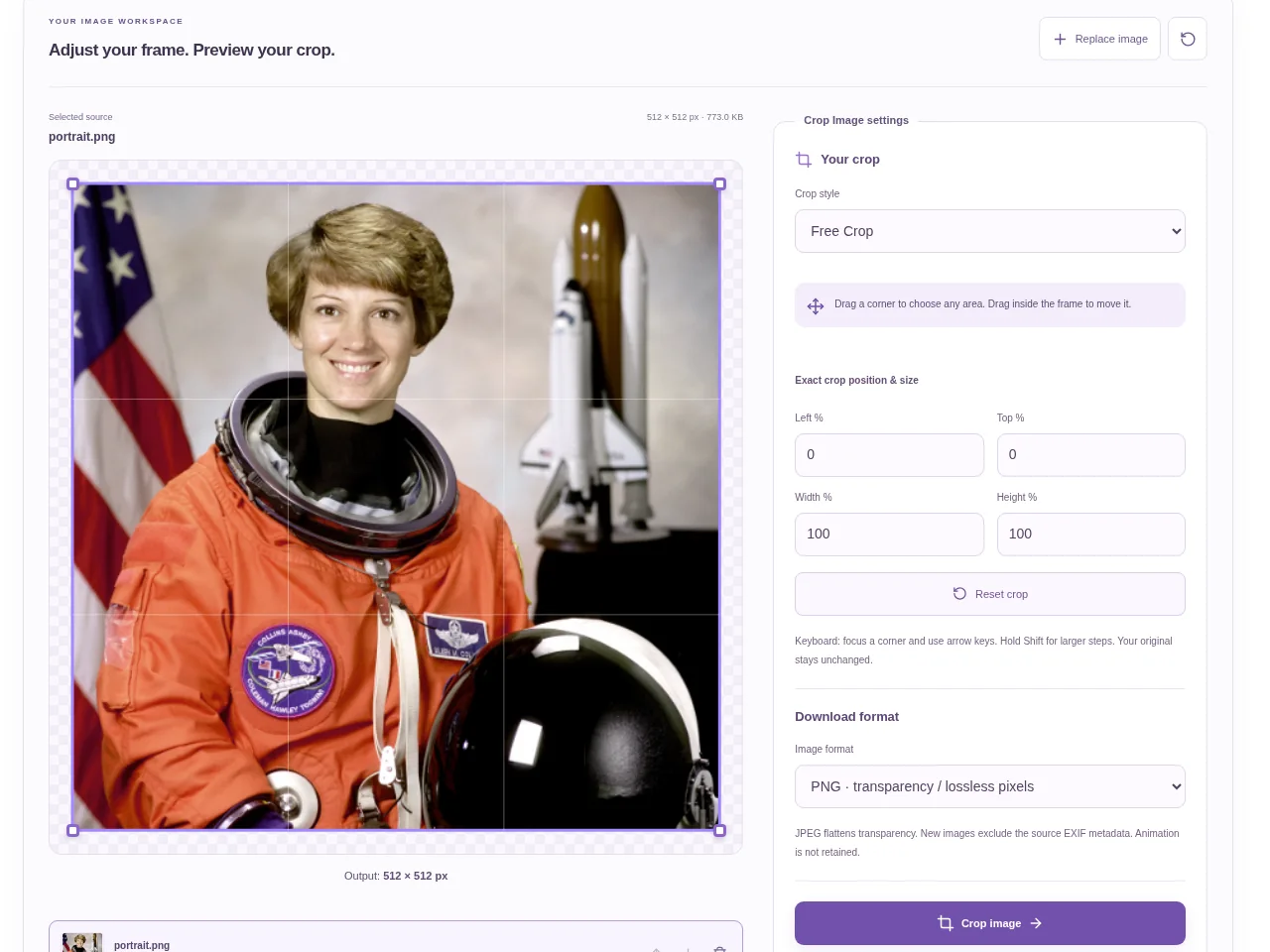
Choose a crop style and add one image. You can change the style afterward. Look at the highlighted area before moving the handles. Check the displayed output size, use Crop image and inspect the processed result before downloading.
 View full size
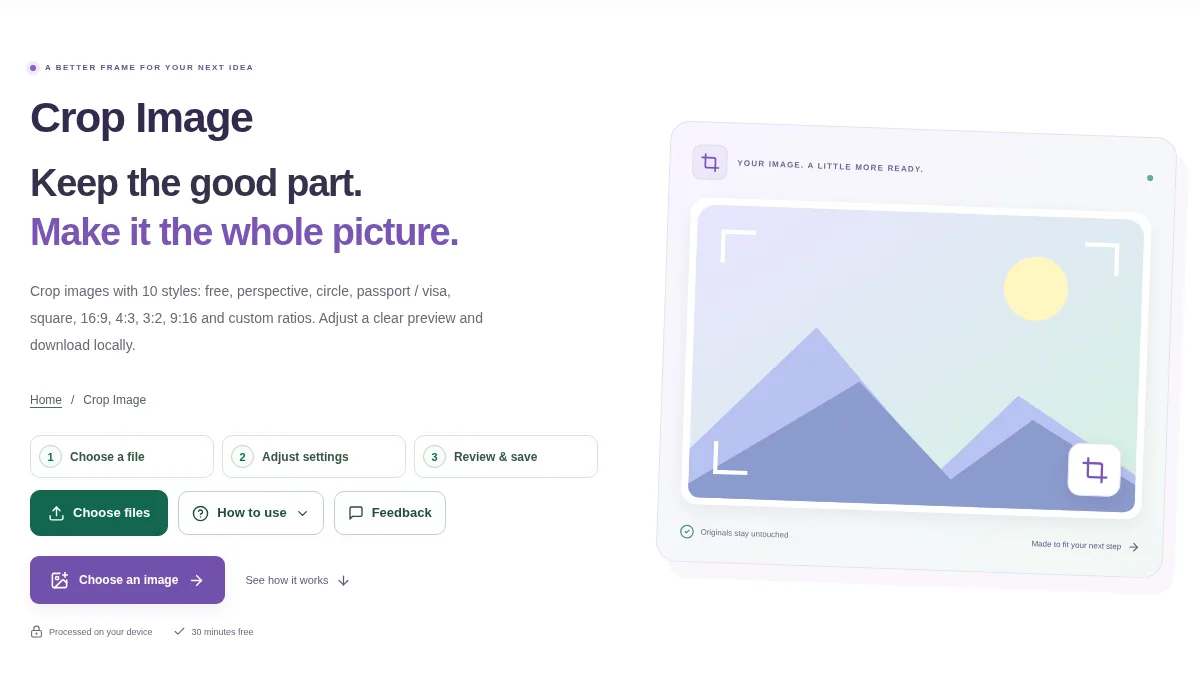
A good crop keeps the useful part of a picture and removes extra space around it. Crop Image includes free, fixed-ratio, circle, perspective and passport-style choices, so choose the shape that fits the job first.
1. Open your file
Choose a crop style and add one image. You can change the style afterward. Look at the highlighted area before moving the handles.
2. Work through the settings
- Drag inside the crop area to move the frame, or drag a corner to change its size. Fixed-ratio presets keep the selected proportions.
- Use a square, wide or vertical preset when the destination asks for a particular shape.
- For Perspective, place the four numbered corners on the document edges. For a circle, check the visible center and corners.
- Check the displayed output size, use Crop image and inspect the processed result before downloading.
 View full size
3. Check before you share
- Look at hair, hands, text and other details close to the frame.
- Check that a locked ratio matches the destination.
- Choose PNG when transparent circle corners need to remain transparent.
File limits and first-use notes
350 MB combined input. 1 image. No fixed pixel / MP upload cap. 350 MB output. Device memory and codec limits apply.
Questions you may have
Can I make a circular profile picture?
Yes. Use the circle crop and a format that preserves transparency, such as the PNG output used for transparent corners.
Why can I not freely change a preset’s proportions?
Ratio presets deliberately lock the shape. Choose Free Crop or a custom aspect ratio when you need another proportion.