
How to add a chapter list to a PDF
Choose the PDF and note the real page number where each section begins. Page 1 means the first physical page, including a cover if the file has one. Create the result, then open the bookmarks panel in a compatible PDF viewer.
 View full size
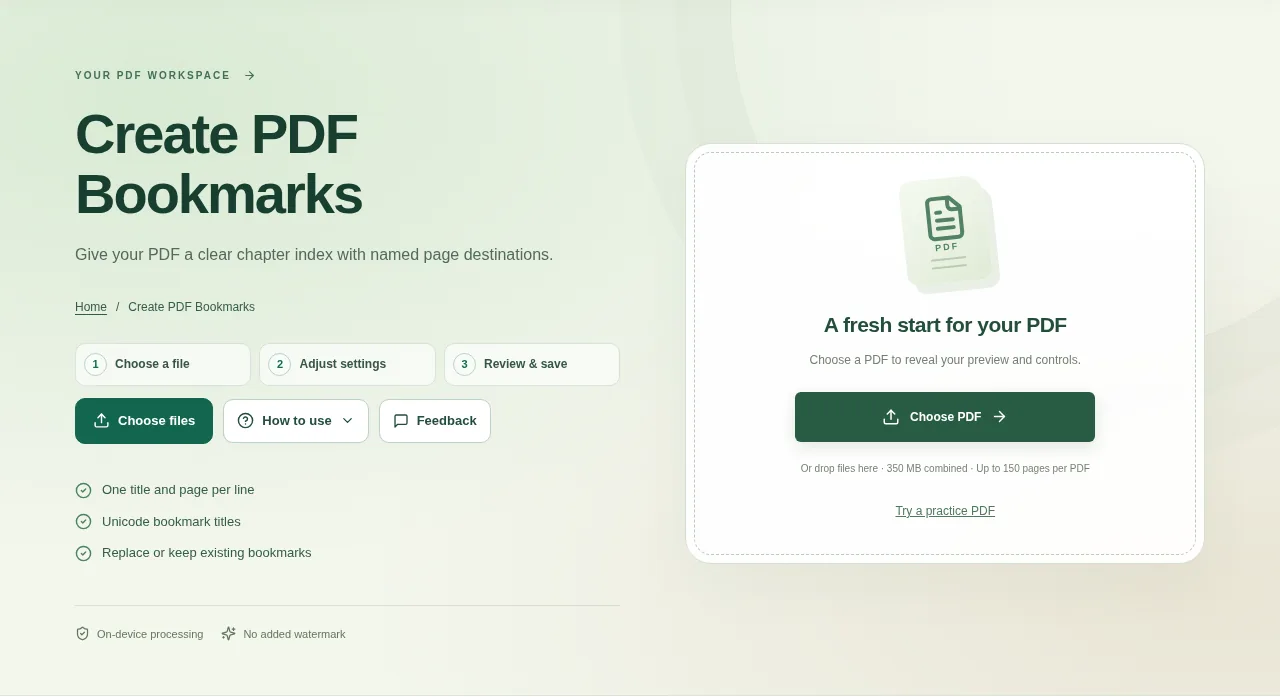
Bookmarks make a long PDF easier to navigate. They let the reader jump to a section without scrolling through every page. Create PDF Bookmarks adds a simple list of named destinations to your document.
1. Open your file
Choose the PDF and note the real page number where each section begins. Page 1 means the first physical page, including a cover if the file has one.
2. Work through the settings
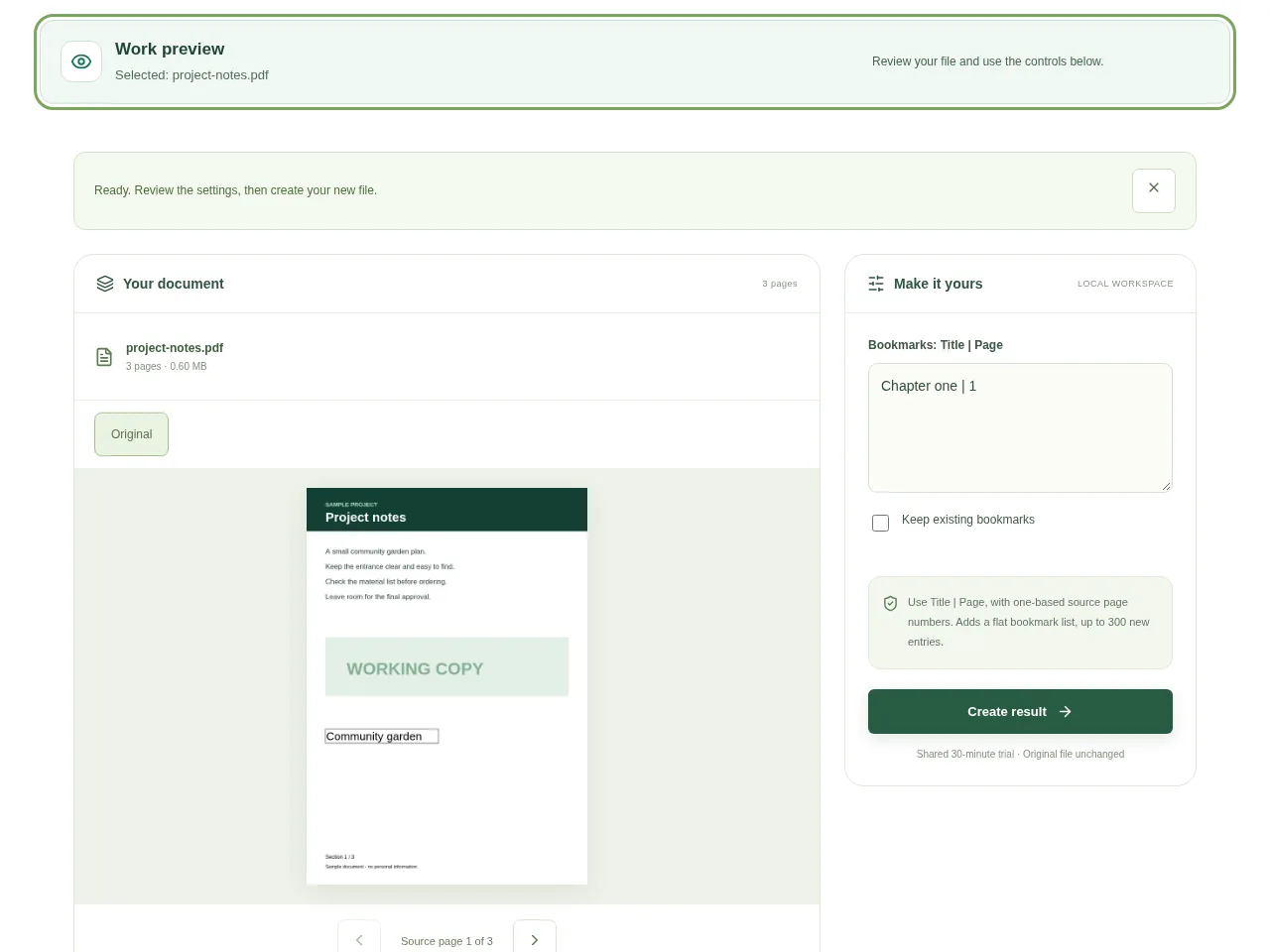
- Enter one bookmark per line using Title | Page. For example, Project notes | 1 and Final review | 3.
- Choose whether the new list should replace the existing bookmarks or be kept alongside them.
- Use short, recognizable titles that help a reader pick the right section.
- Create the result, then open the bookmarks panel in a compatible PDF viewer.
 View full size
3. Check before you share
- Click every new bookmark once.
- Check section starts in a document whose printed numbering differs from its physical pages.
- Make sure the bookmark titles are readable, including any Unicode text.
File limits and first-use notes
The file budget is 350 MB, with up to 150 pages per source PDF. Use Title | Page, with one-based source page numbers. Adds a flat bookmark list, up to 300 new entries.
Questions you may have
Does adding a bookmark add a new page?
No. A bookmark points to a page already in the document.
Can the bookmark title contain Bengali?
Unicode bookmark titles are supported. Check their display in the PDF viewer used by your readers.


